
General reports (Grafana → PDF)
Menu: Reports → General Reports General reports generate a PDF by taking snapshots of selected Grafana dashboard panels.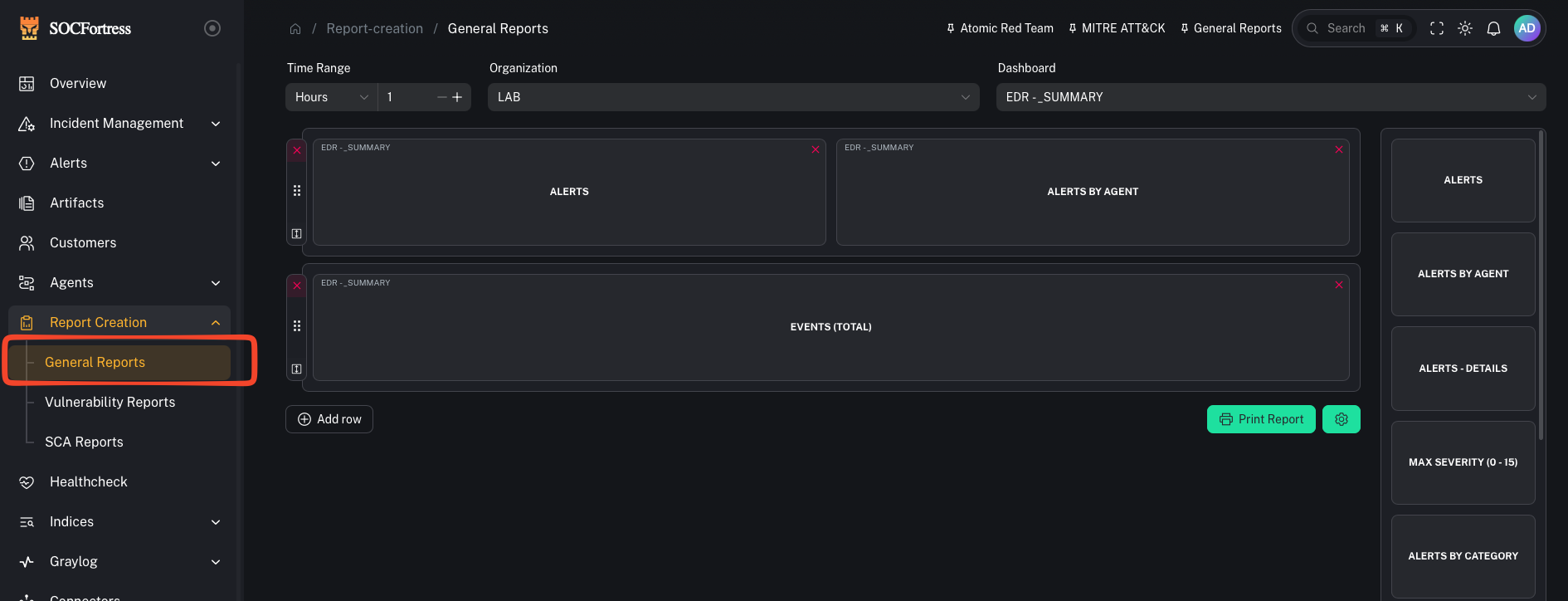
What you need
- A Grafana org + dashboard you can access
- The panels you want to include
Step 1 — Pick dashboard + time range
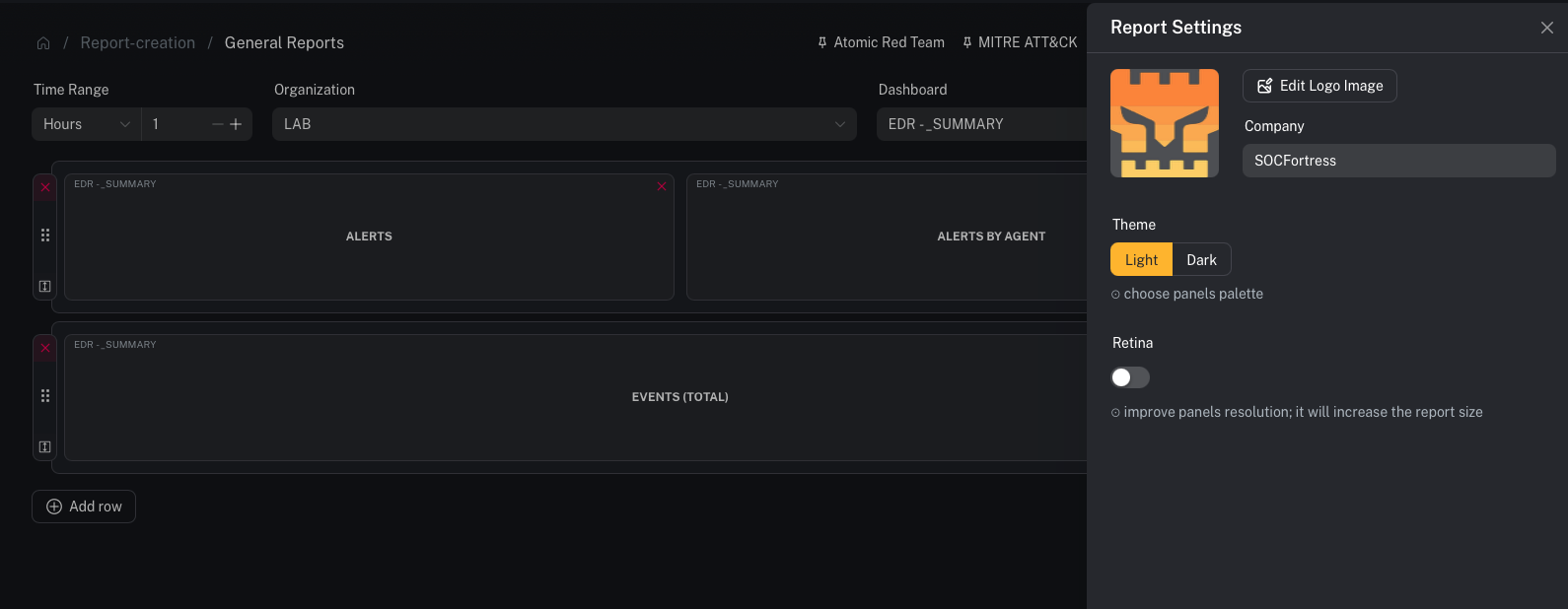
- Open Reports → General Reports
- Select the Organization
- Select the Dashboard
- Choose a time range (ex:
24h,7d,30d)
Step 2 — Select panels to include
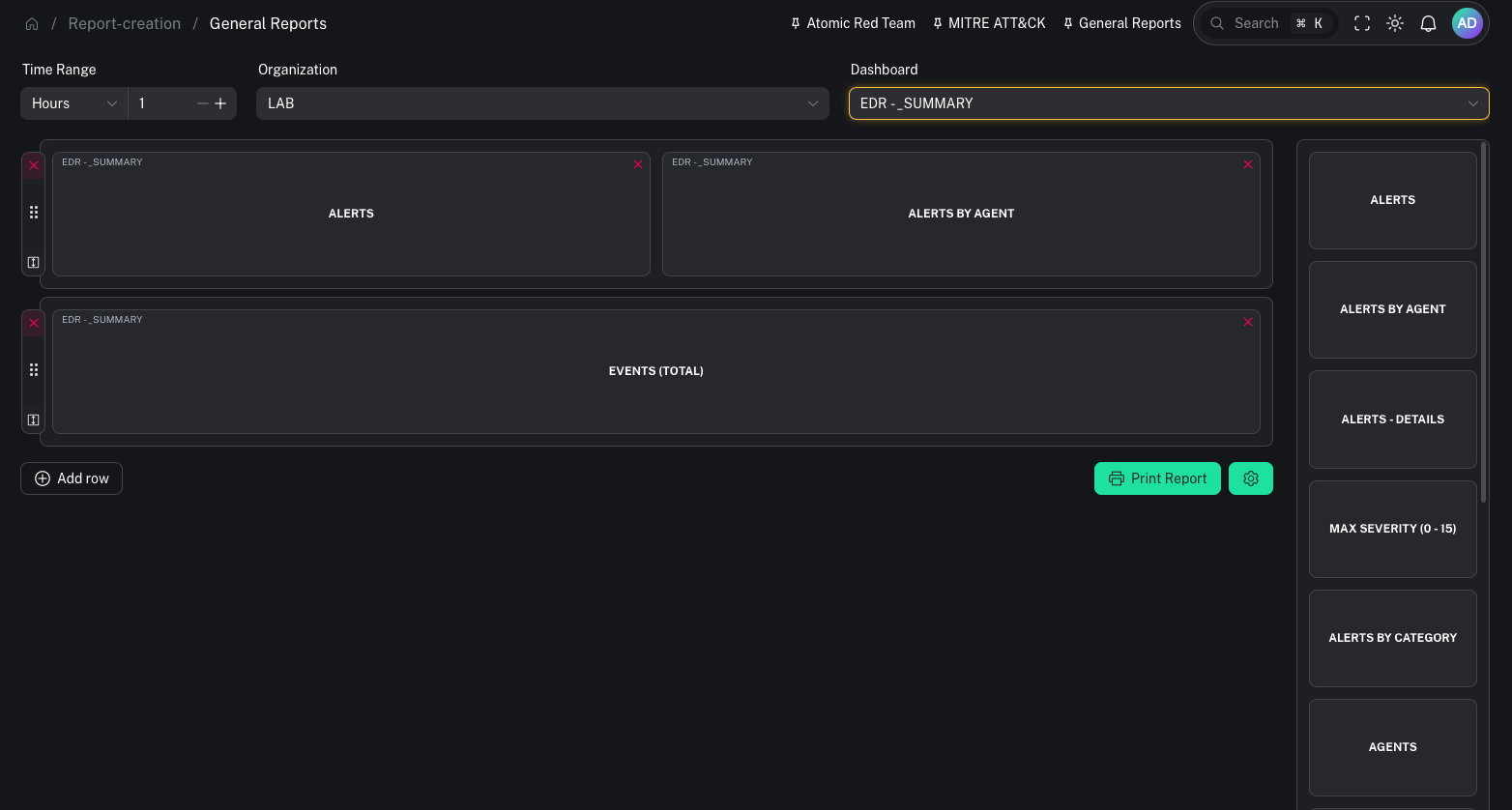
- Pick the panels you want in the report
- Arrange/confirm the selection
Step 3 — Generate the PDF
When you generate the report, CoPilot will:- create secure iframe links for the selected panels
- capture panel images
- assemble a PDF
- Keep reports focused: pick 6–12 panels rather than trying to include everything.
- Use consistent time ranges so reports are comparable week-to-week.