
SCA overview
Menu: Exposure → Configuration Assessment → SCA Overview SCA (Security Configuration Assessment) is Wazuh’s secure configuration/hardening framework. It evaluates endpoints against policies (benchmarks) and reports pass/fail results so you can:- find configuration drift
- measure baseline hardening posture
- prioritize remediation of failed controls
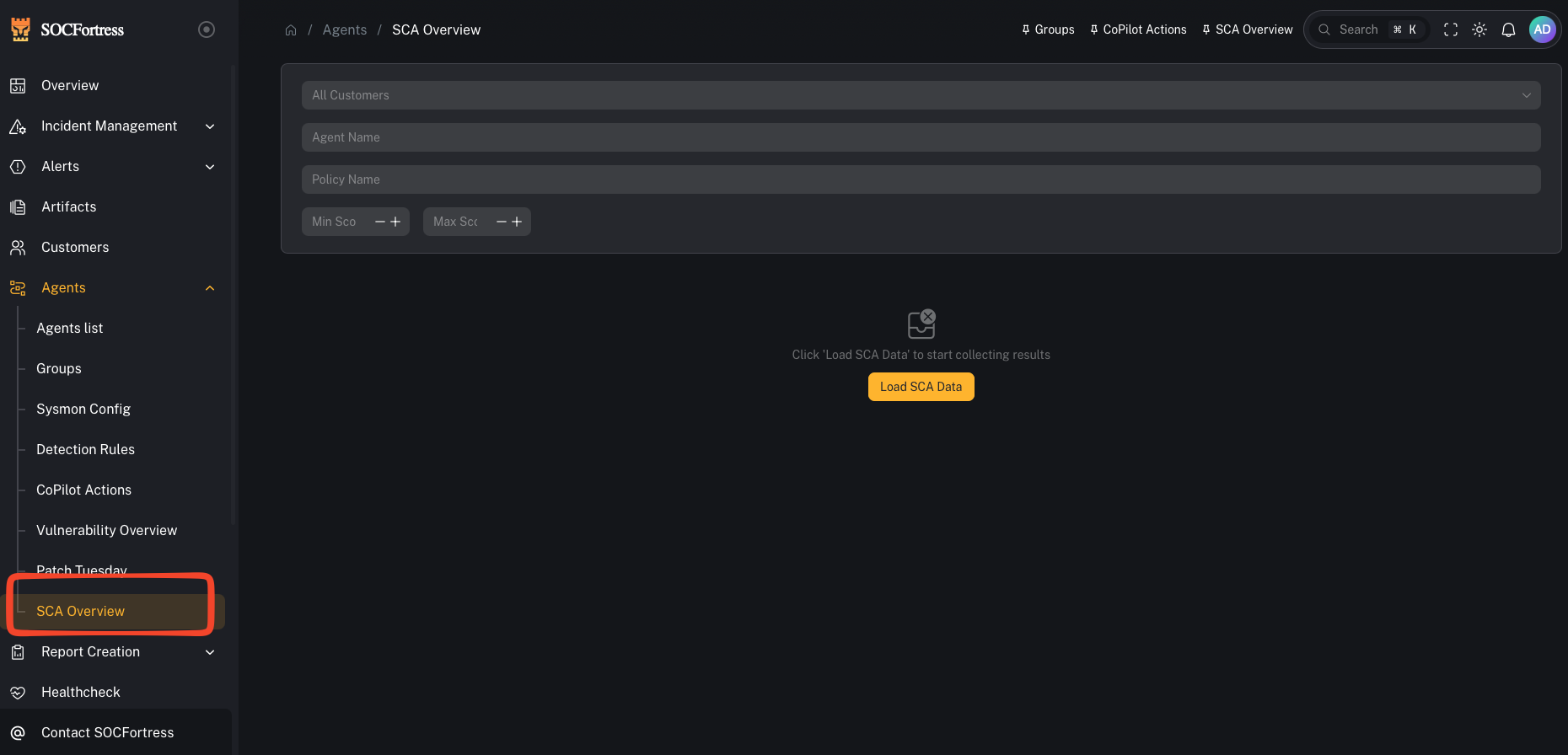
What you’re looking at
Filters
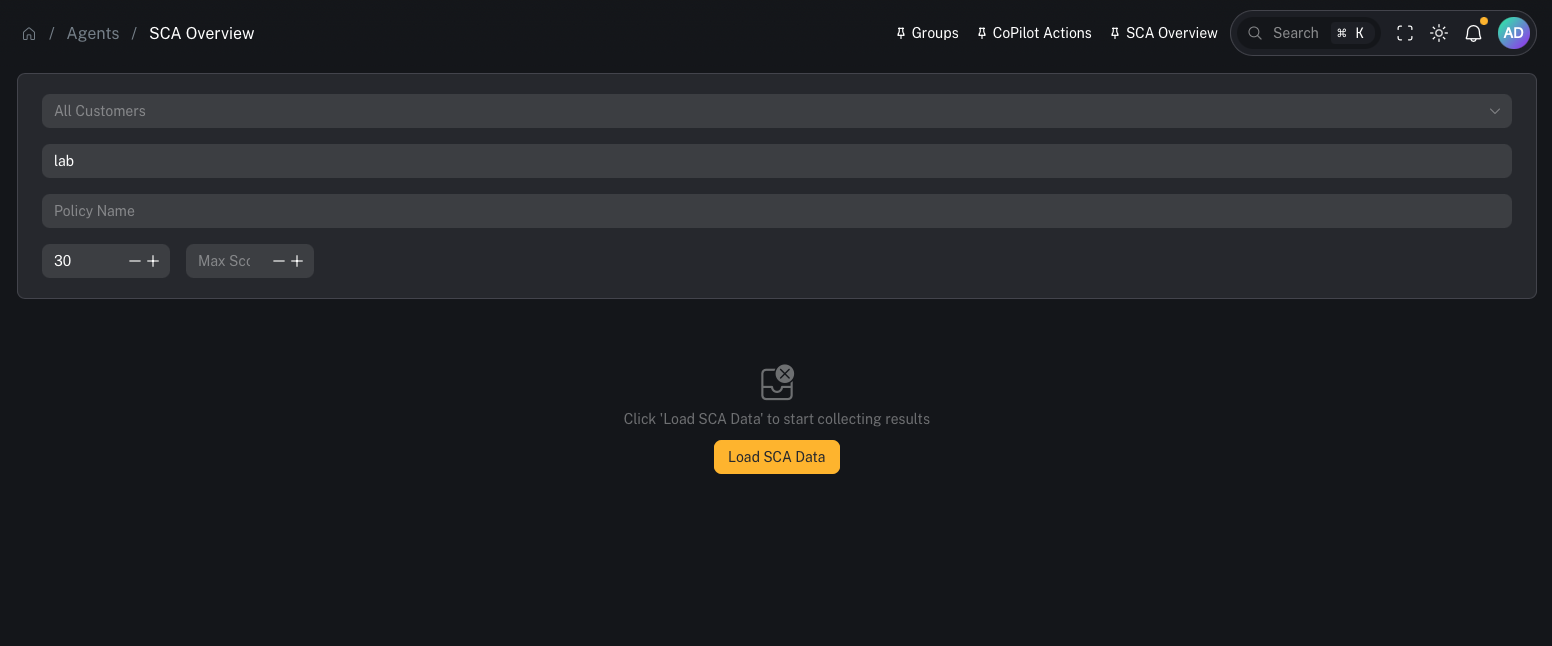
- Customer (multi-tenant)
- Agent Name
- Policy Name
- Score range (min/max)
Load SCA Data
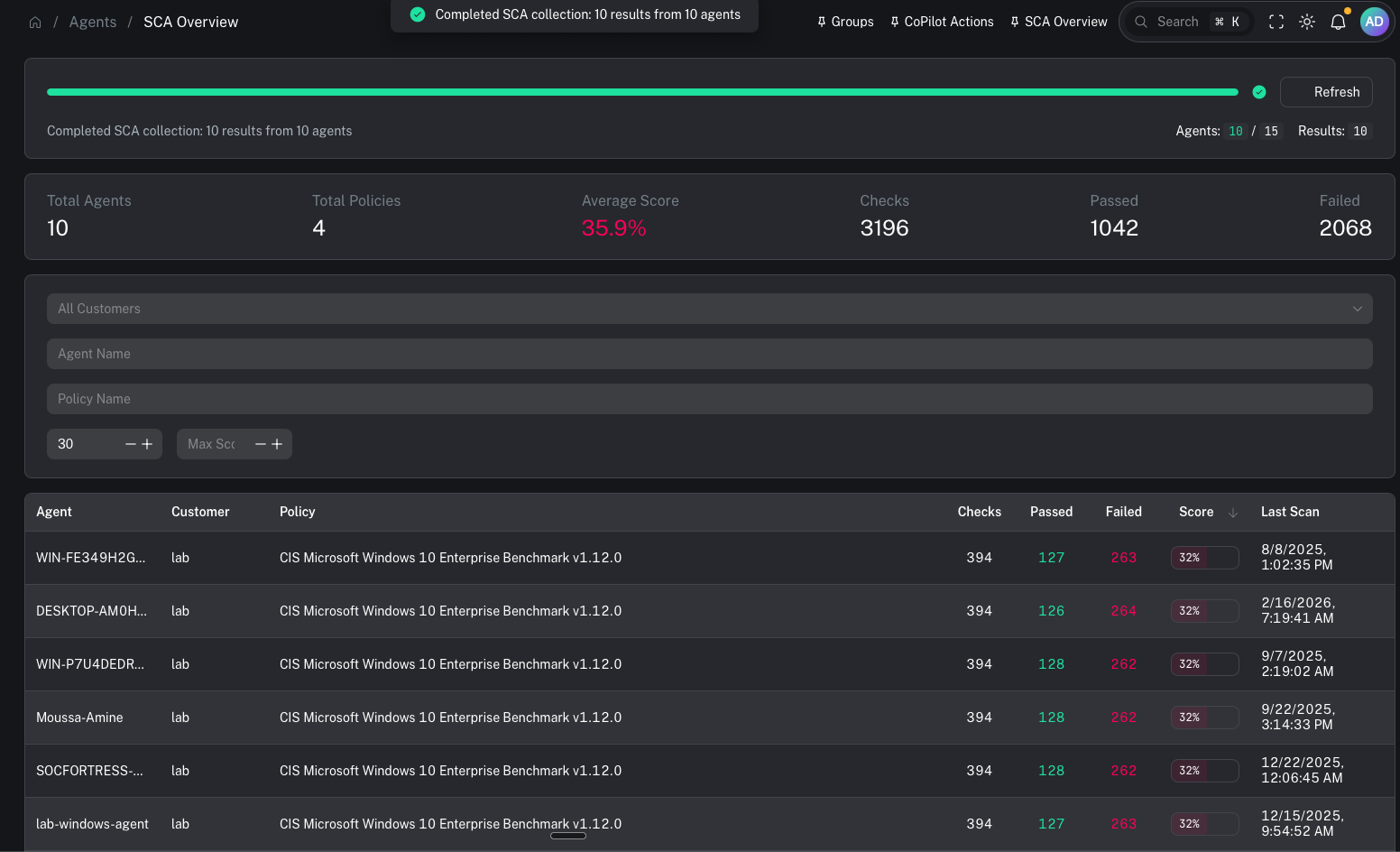
Results view
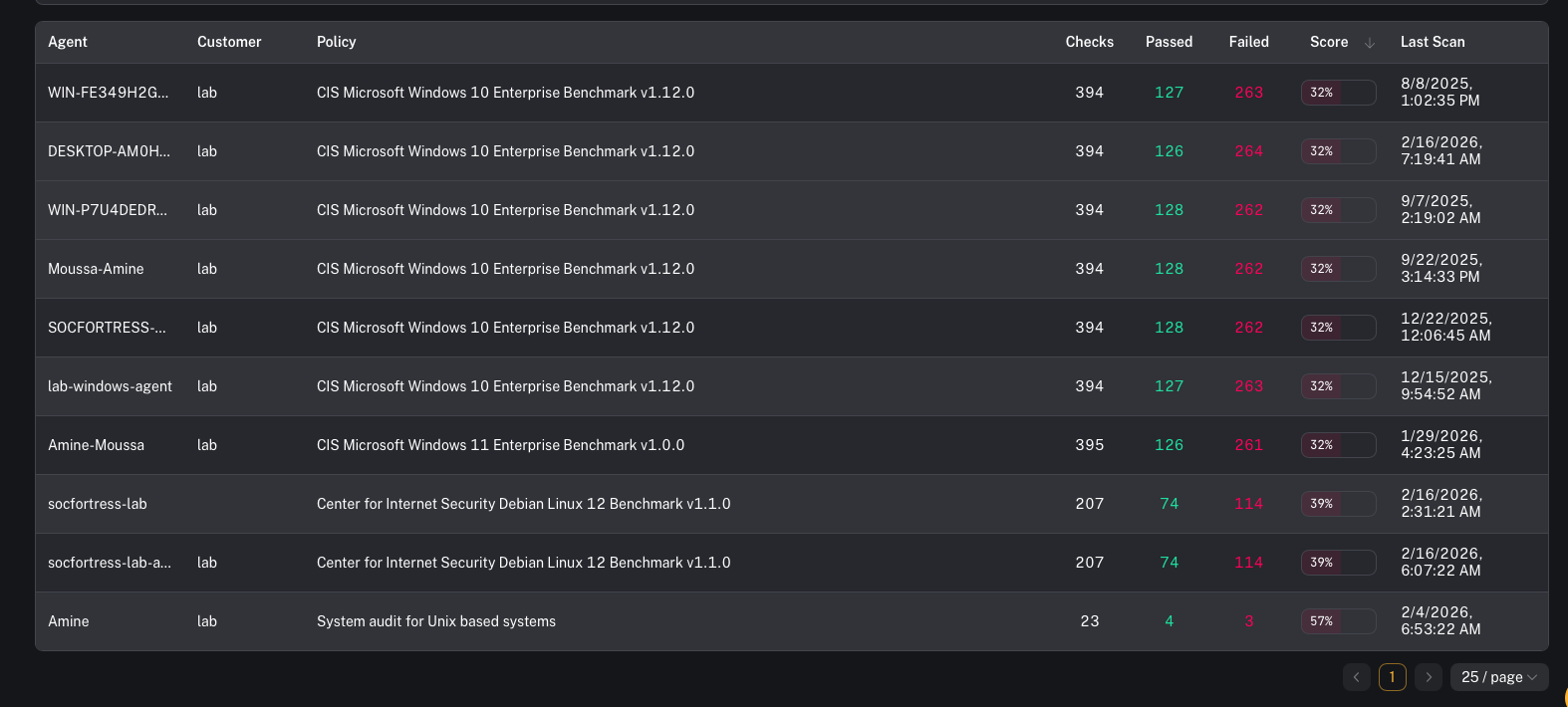
- which agents are failing baseline policies
- which policies are producing the lowest scores
- where remediation work will produce the biggest posture improvement
When to use it
Use SCA overview when you need to:- identify endpoints failing hardening baselines
- find drift after a change window (GPO, tooling rollout, new images)
- support audits/compliance reporting with repeatable evidence
Common tasks
Triage low scores first
A practical flow:- Filter by customer
- Set a Max Score threshold (start low)
- Identify the bottom-scoring endpoints/policies
- Remediate the highest leverage failures (the ones that apply broadly)
Investigate and remediate failed checks
Use the agent’s dedicated page to drill down:- open an agent and review the SCA tab for policy/check details
Export / reporting
If you need a deliverable:- see: SCA report
Prerequisites
- Wazuh SCA is enabled on agents
- Policies are deployed to the endpoints/groups you care about
- Agents are checking in and SCA scans have run
Gotchas
- SCA is only as good as your policies and rollout. Keep policies consistent per OS/group/customer.
- Score changes often lag behind configuration changes (depends on scan cadence + agent check-in).
- Don’t chase perfect scores blindly—prioritize controls that reduce real risk for your environment.