
SCA reports (Wazuh)
Menu: Reports → SCA Reports SCA (Security Configuration Assessment) reports pull from the Wazuh SCA module, which evaluates endpoints against hardening/compliance policies. Wazuh SCA model (simplified):- agents scan against SCA policies (rules/checks)
- results are tracked per check (pass/fail/not applicable)
- agents send diffs/summary to the manager to reduce noise
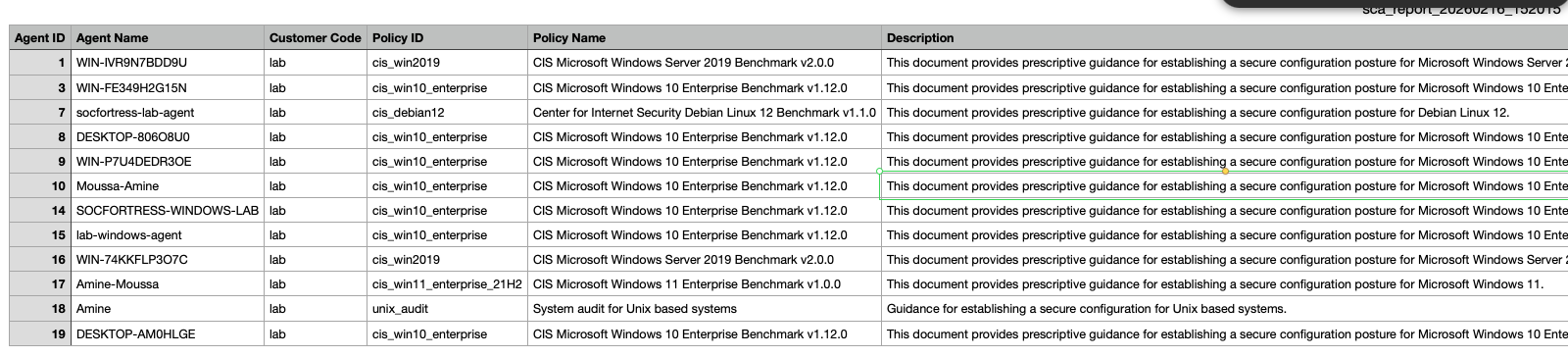
What you can do
- Review SCA posture across a customer (policy score, failing checks)
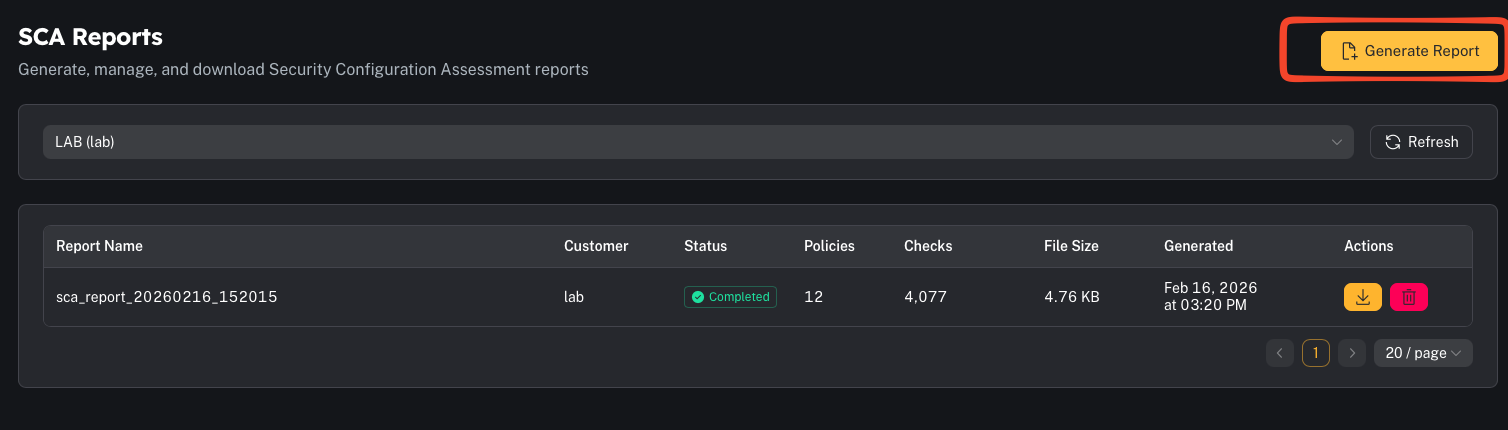
- Generate a CSV report for auditing and remediation planning
Step 1 — Review SCA overview
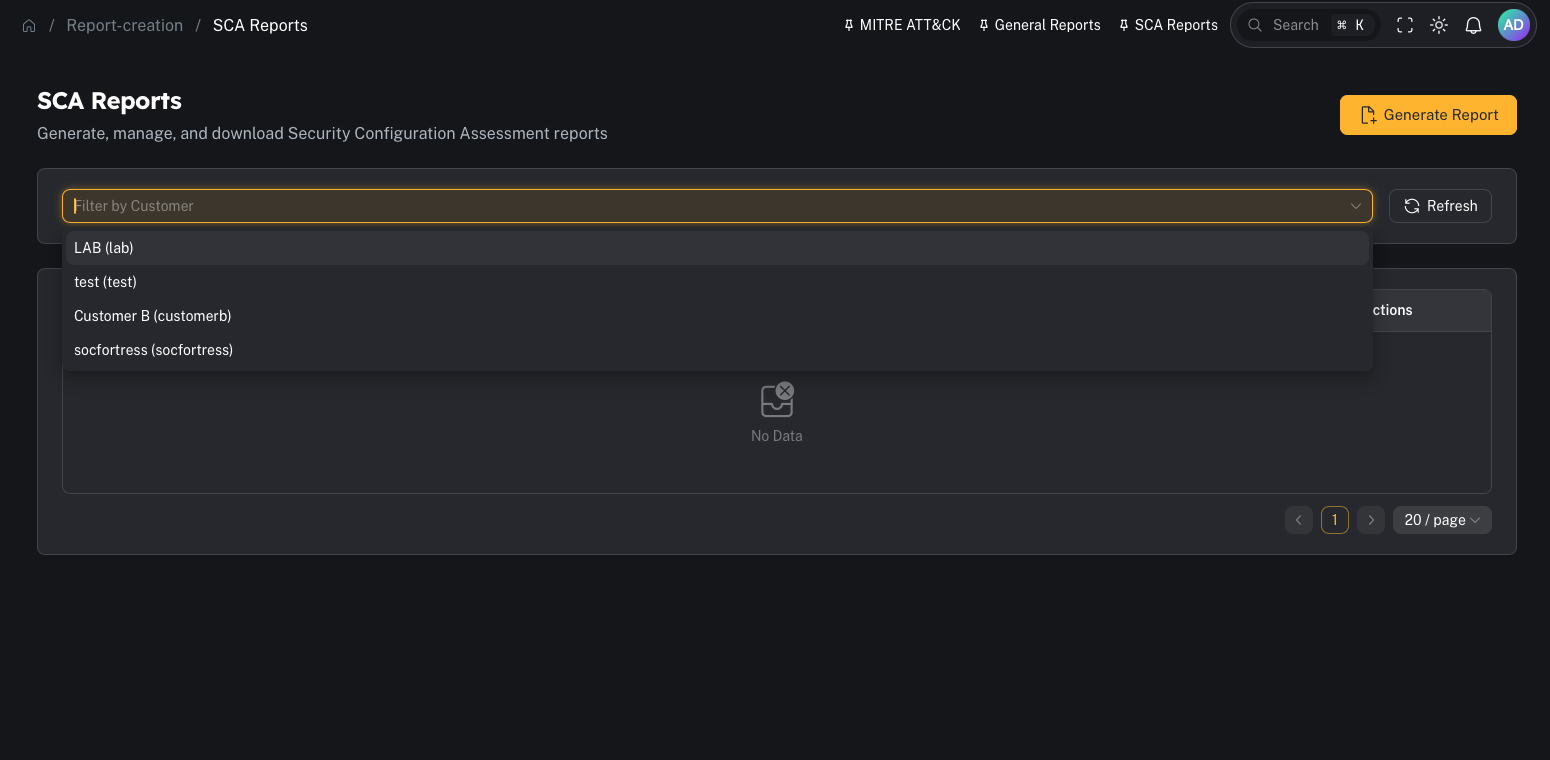
- Customer
- Agent/host
- Policy id/name
- Minimum/maximum score
Step 2 — Generate and download
- Treat SCA as a “secure baseline drift” signal.
- Use policy-based grouping (CIS/NIST mappings) for audit discussions.
Common gotchas
“No SCA data found”
Common causes:- SCA is not enabled on the agents
- policies are not deployed
- the agents haven’t scanned yet (or haven’t checked in)