
Detection rules (Wazuh)
Menu: Detections → Wazuh Rules Detection rules in CoPilot map to Wazuh detection rules. These rules are what Wazuh uses to generate alerts from decoded telemetry. CoPilot lets you view, search, and manage these rules without SSH’ing into the Wazuh manager.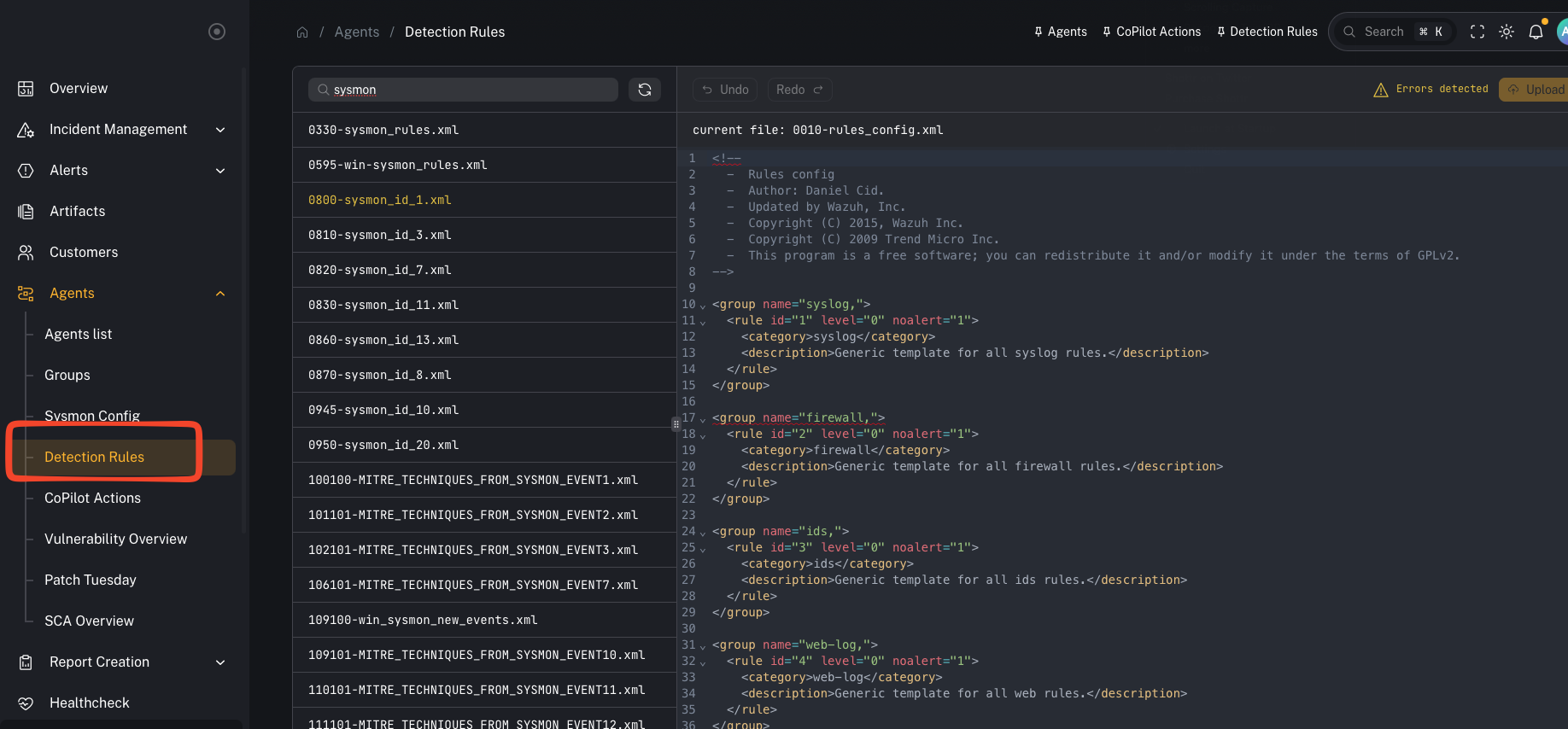
What you’re looking at
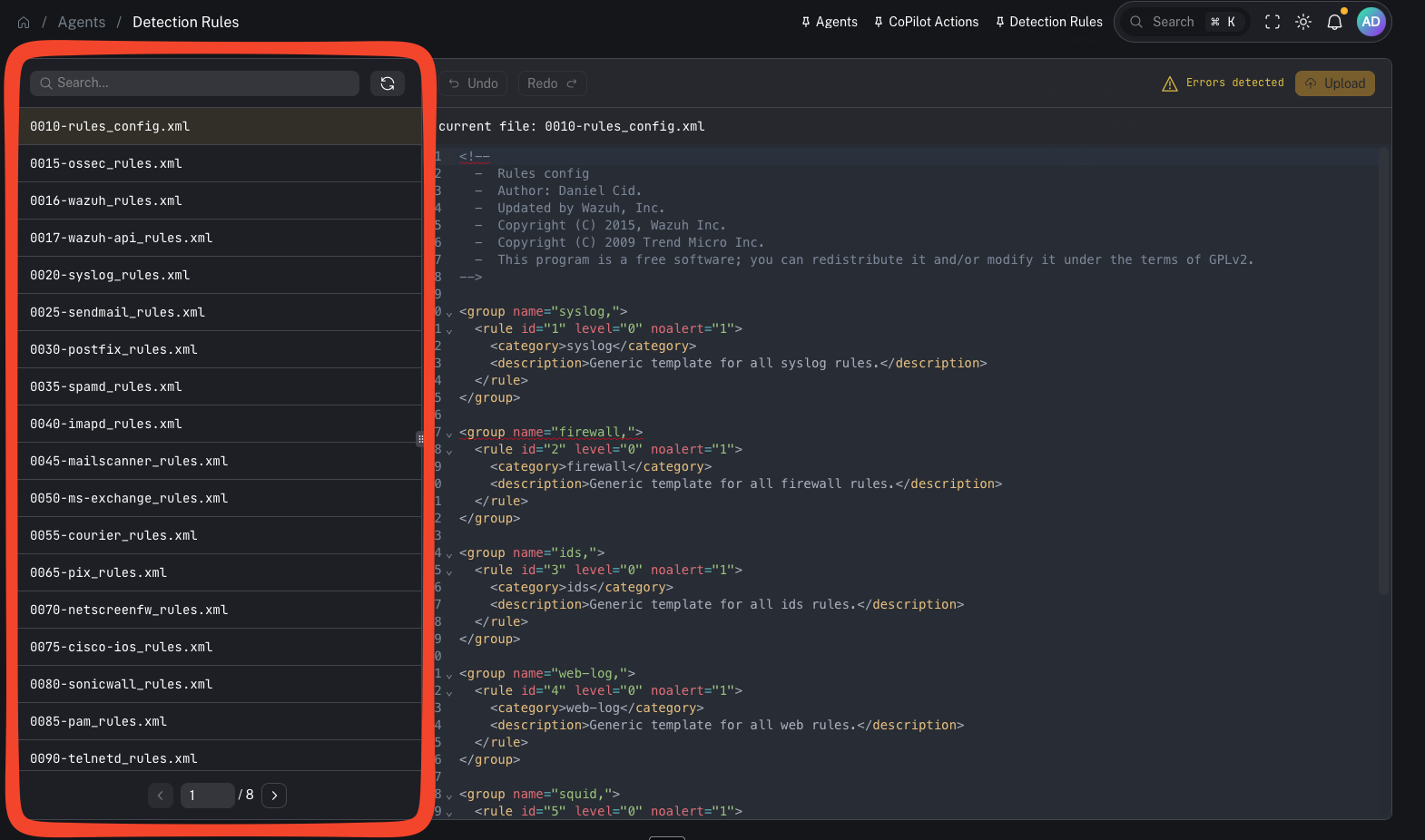
*_rules.xml files and your local exclusions/custom rules).
Key point:
- Rules still live on the Wazuh manager. CoPilot pulls them via API and can upload/save changes back to the manager.
Why this matters
Rules are one of your main control points for:- reducing noisy alerts (exclusions)
- adding new detection logic for emerging threats
- aligning alerting to what you actually care about in a given customer environment
Common tasks
Search for rules
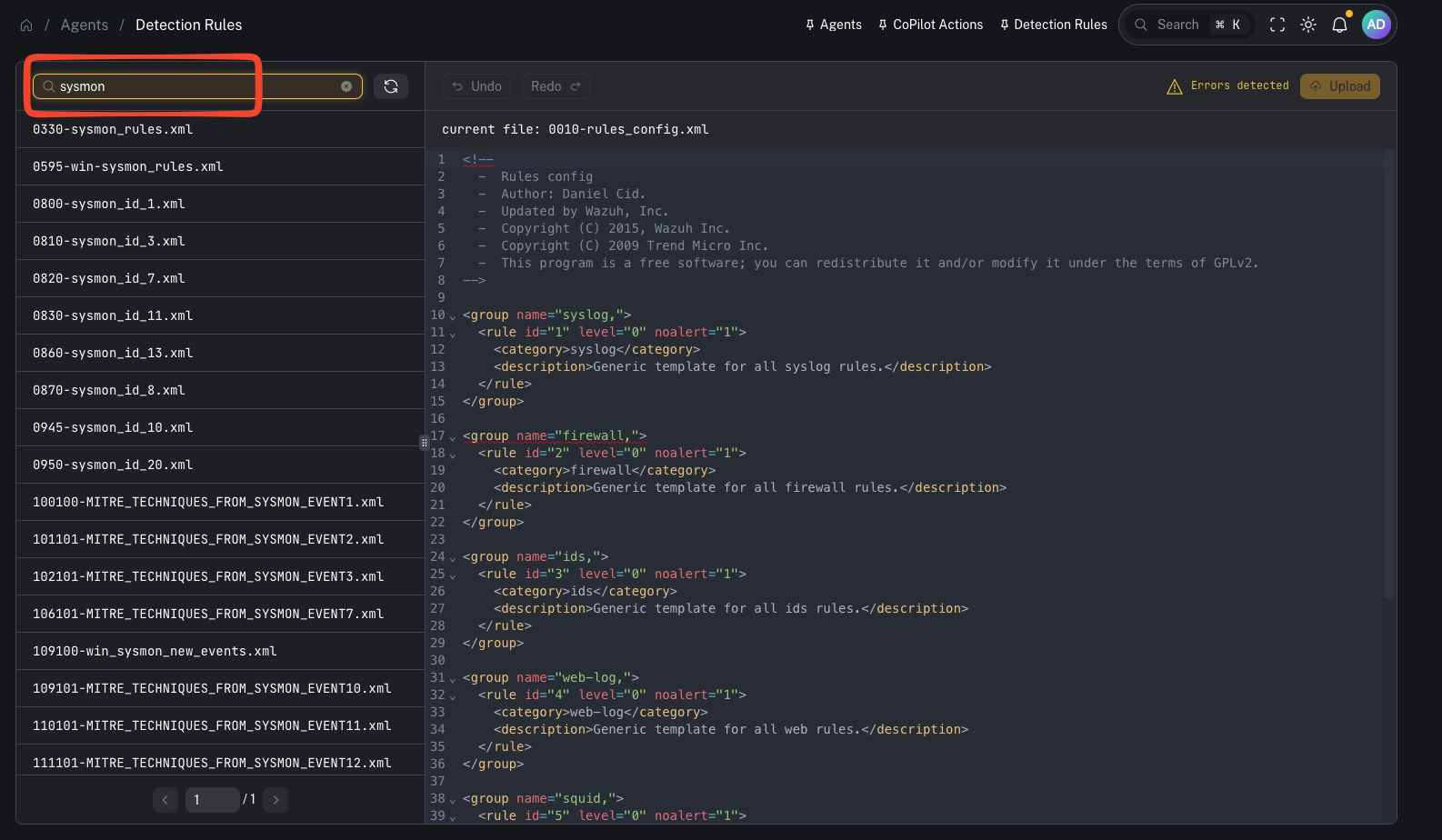
- find a rule by ID
- locate a specific field match / keyword
- quickly identify which file contains the logic you need to adjust
Add an exclusion (reduce noise)
A typical workflow (from the video):- Open your exclusions/custom rule file
- Add or modify a rule (incrementing the rule ID when needed)
- Update the match conditions/fields
- Save/upload the file
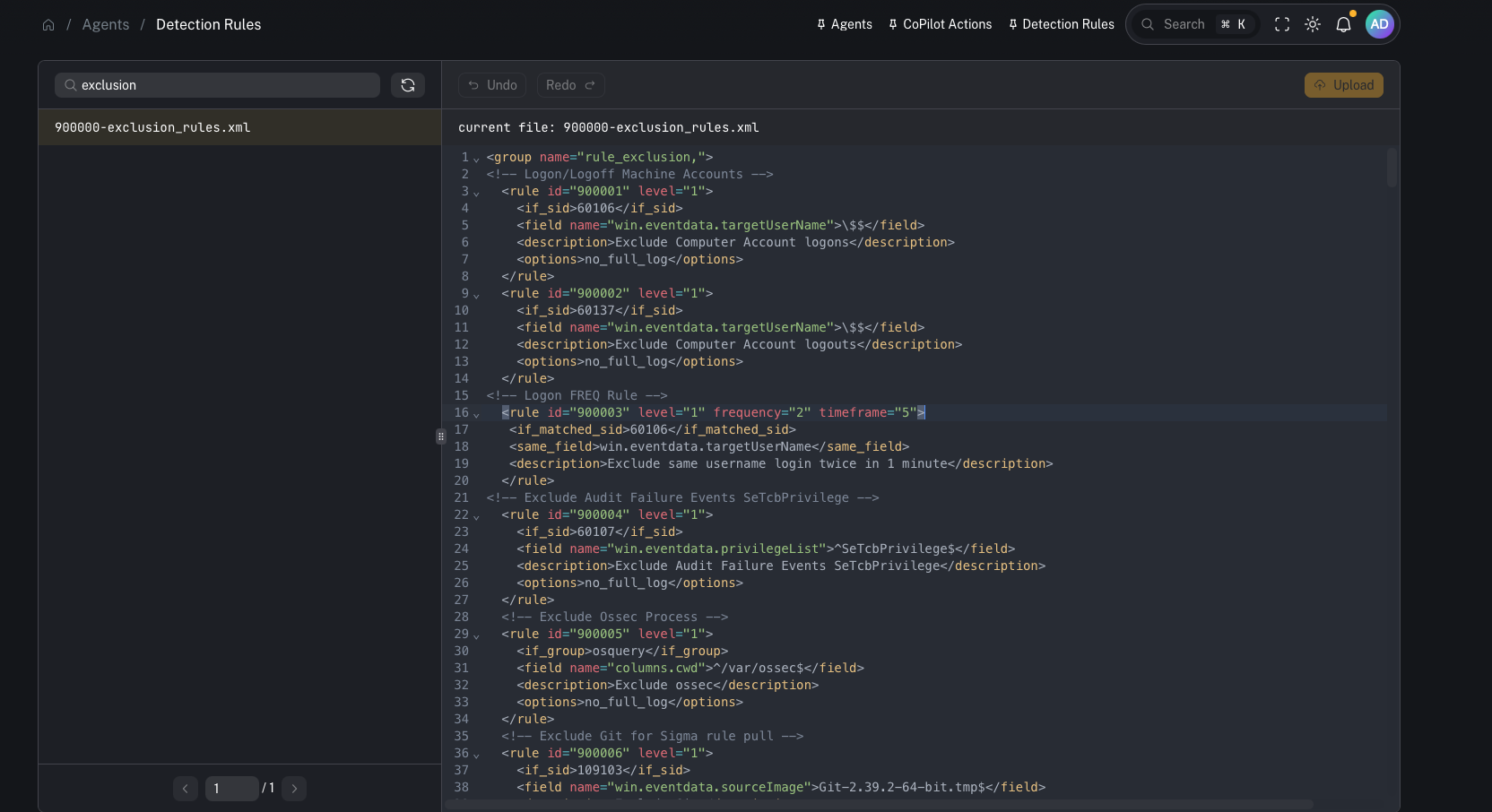
Upload/save changes to the Wazuh manager
After editing, you must upload/save so the updated file is written to the manager. Important:- Saving changes updates the file on the Wazuh manager.
Restart Wazuh to apply rule changes
Rule changes typically require a Wazuh manager restart/reload to take effect.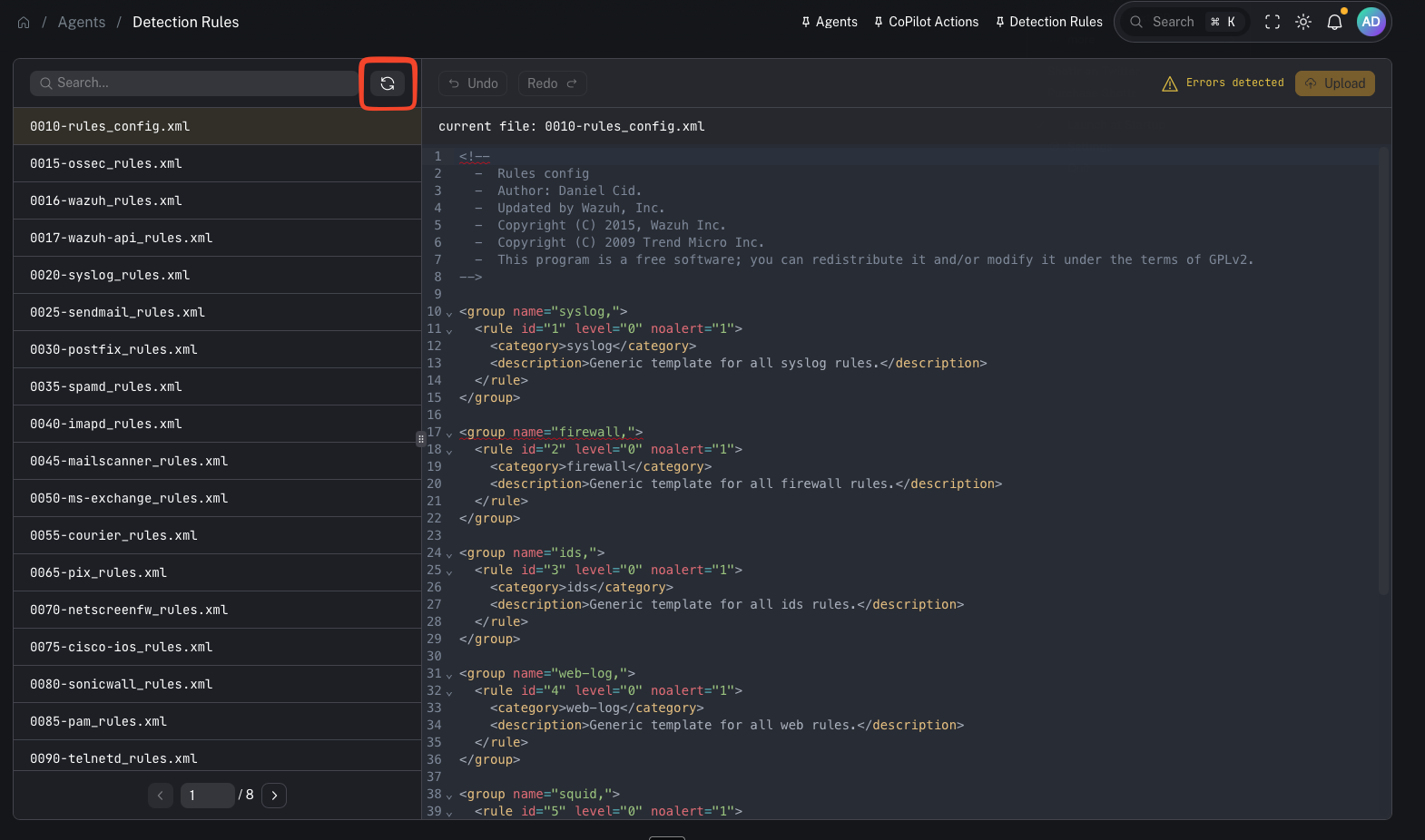
- Treat restarts as a controlled change (maintenance window, customer comms if needed).
When to use it
Use Detection Rules when you need to:- reduce false positives / noisy detections
- validate why an alert did or did not fire
- tune alert fidelity for a specific customer
- add detection logic for a new threat/use case
Gotchas
- Rule changes can impact alert volume immediately—roll out carefully and document changes.
- Keep ownership/change control clear (avoid ad-hoc production edits).
- Any restart/reload step should be treated as operationally significant.