
Agent groups (Wazuh)
Menu: Endpoints → Agent Groups Agent groups in CoPilot map to Wazuh agent groups. Wazuh uses these groups to apply endpoint configuration such as:- log collection settings
- Security Configuration Assessment (SCA) policy configuration
- File Integrity Monitoring (FIM) configuration
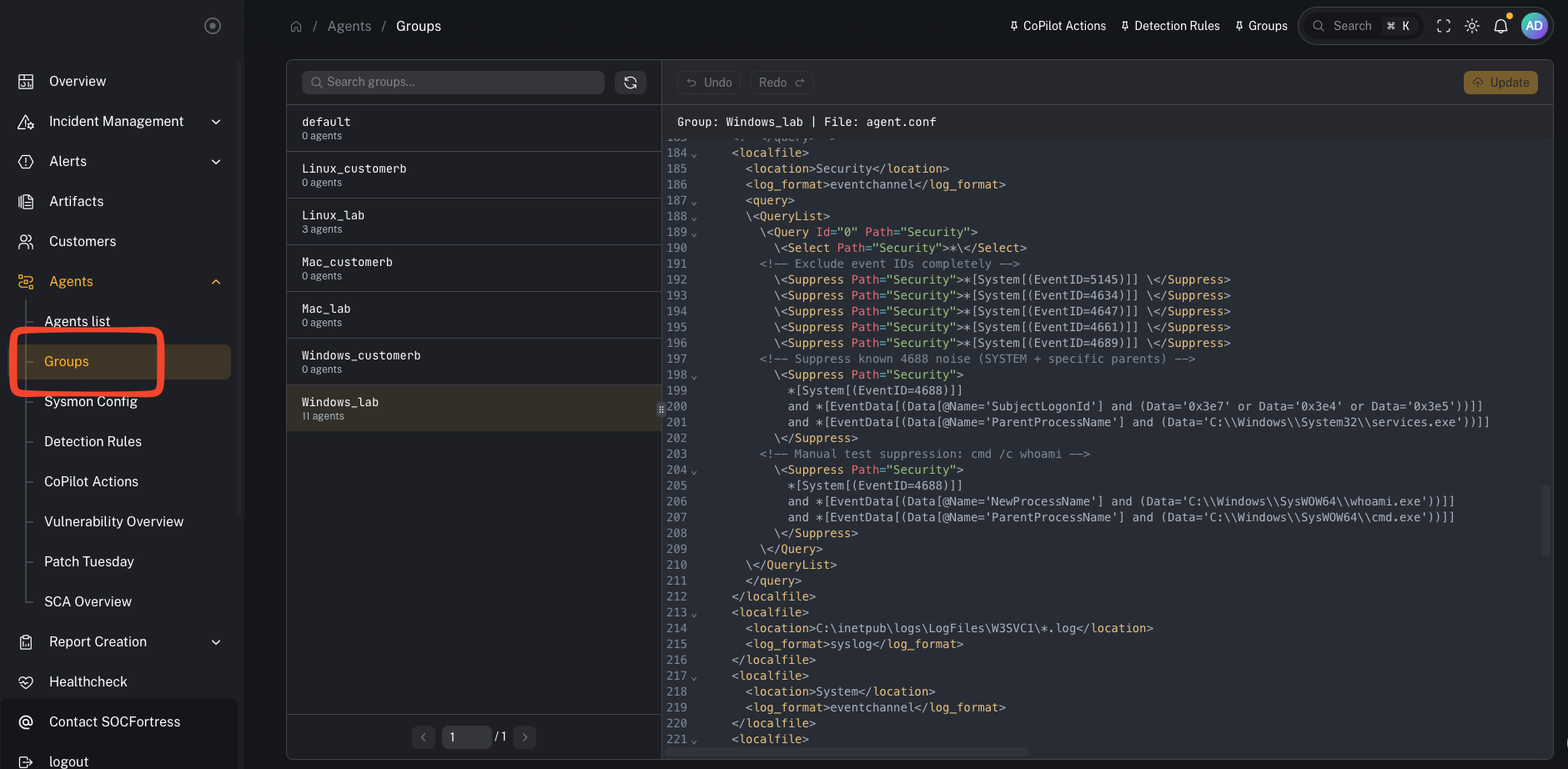
What you’re looking at
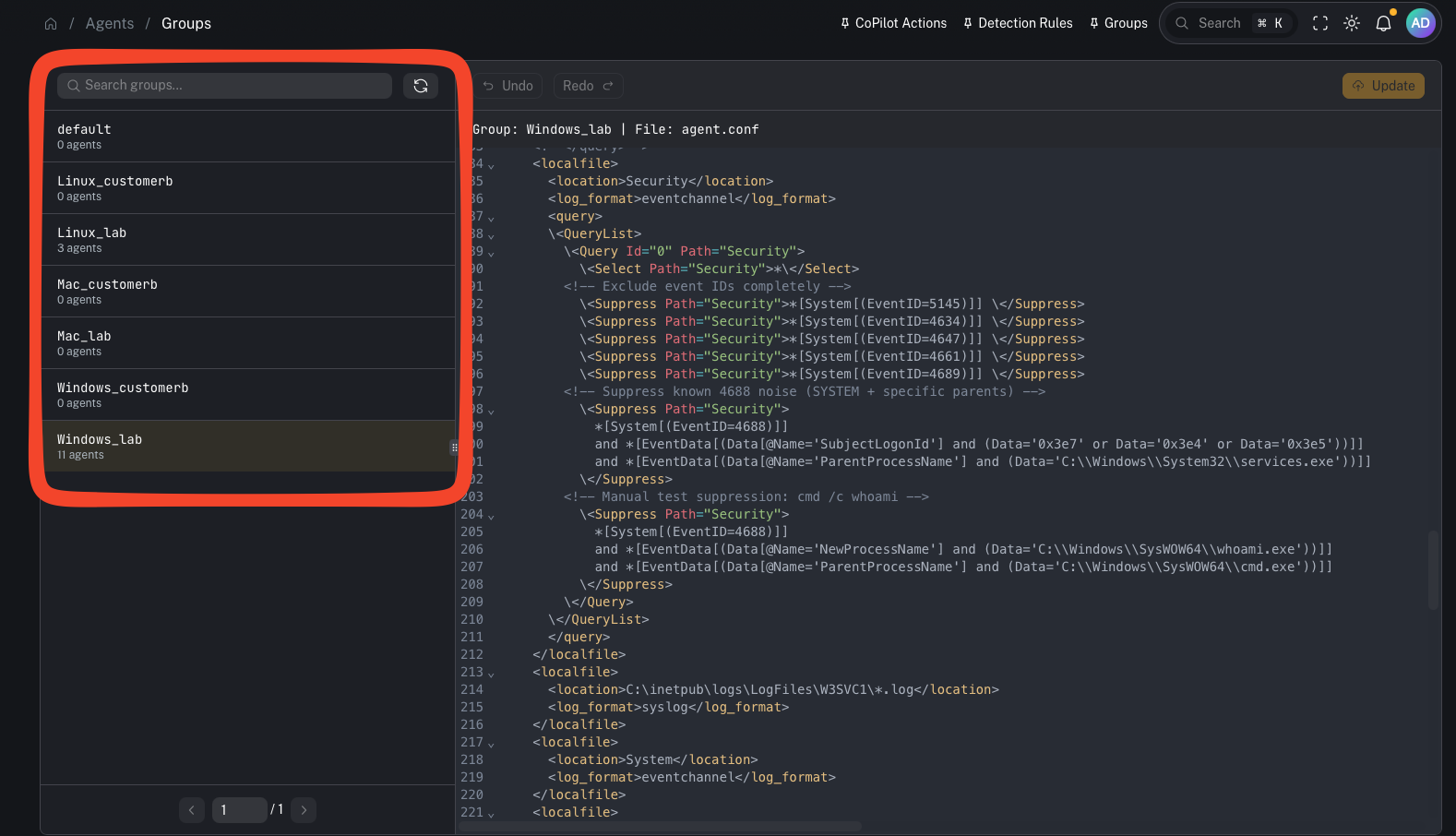
- the list of Wazuh groups
- how many agents are in each group
- group details/config once selected
- Groups are typically created per customer.
- We usually also split by operating system (Windows / Linux / macOS).
Windows_<customer_code>Linux_<customer_code>Mac_<customer_code>
Windows_lab,Linux_lab,Mac_lab
Why groups matter
Groups are one of the highest leverage controls in the stack:- They define what telemetry is collected and shipped to the Wazuh Manager.
- They standardize configuration across fleets (repeatable, auditable).
- They help prevent SIEM bloat by letting you suppress noise at the agent, before it ever hits the manager/indexer.
Common tasks
Add an agent to a group
Typical workflow:- Identify the agent
- Assign it to the correct customer + OS group
- Verify the agent receives updated configuration
Validate a group is applied
In Wazuh terms, group configuration ends up under the manager’s shared group config and is pushed down to agents.Advanced: group configuration fields (why they’re powerful)
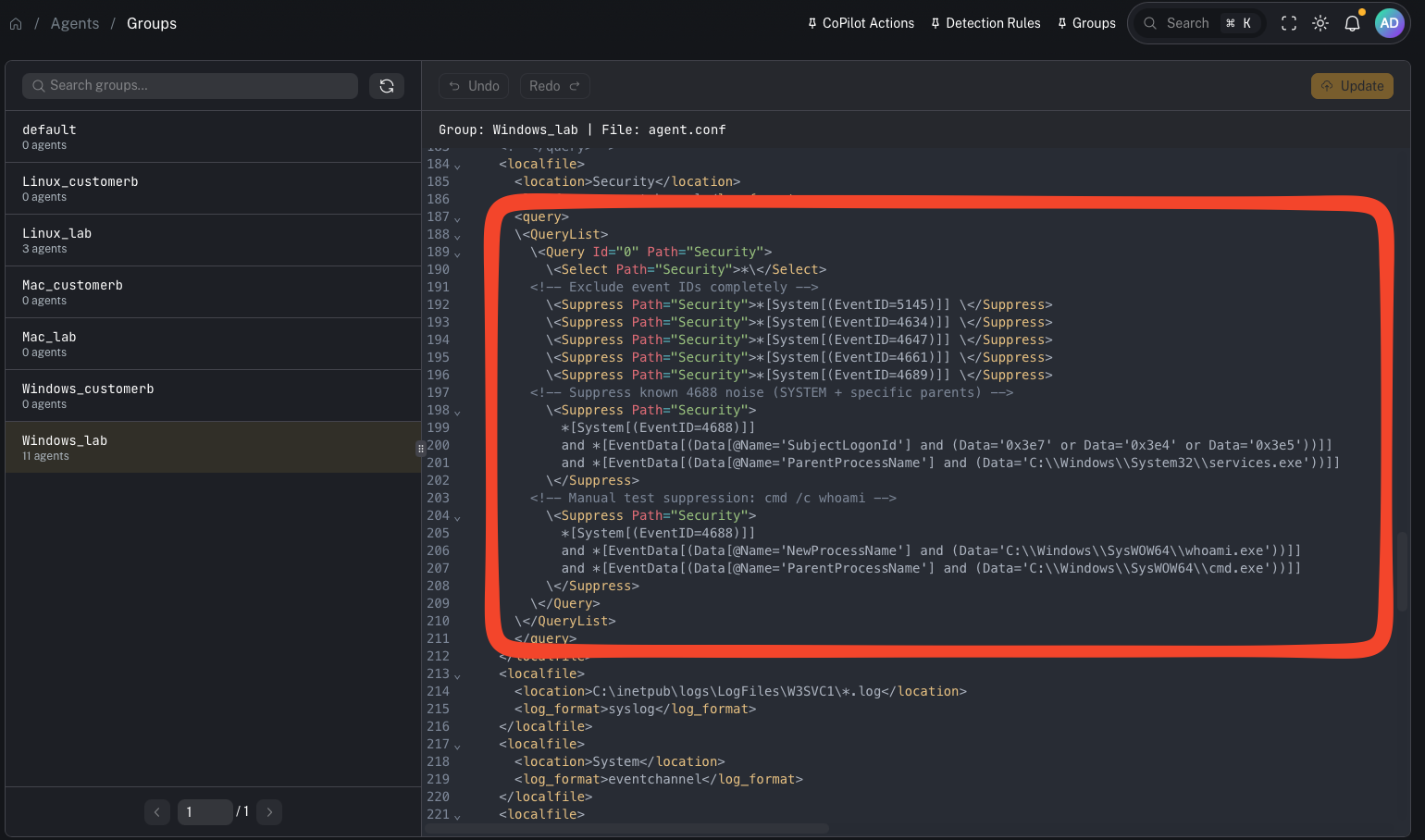
- tune Windows EventChannel collection
- apply QueryList include/exclude logic
- configure SCA policy behavior
- adjust FIM rules
Using groups to reduce SIEM noise (from the video)
Windows Security events can be extremely noisy. If you filter noise only on the Wazuh Manager, the manager still has to:- receive the event
- parse/decode it
- evaluate it against rules
- Start with broad collection (so you know what you’re getting)
- Identify noisy event IDs / patterns
- Add suppressions in the group’s agent configuration (QueryList / suppression rules)
- Validate the agent received the updated config and the noise stopped upstream
- Wazuh Manager performance
- indexer storage consumption
- Graylog pipeline load
- downstream alerting signal-to-noise
Gotchas
- Group config syntax can be sensitive (especially Windows event query filters). Make small changes and validate.
- Don’t suppress blindly—ensure you’re not hiding high-signal events you need for detection.