
Quickstart (SOC Operators)
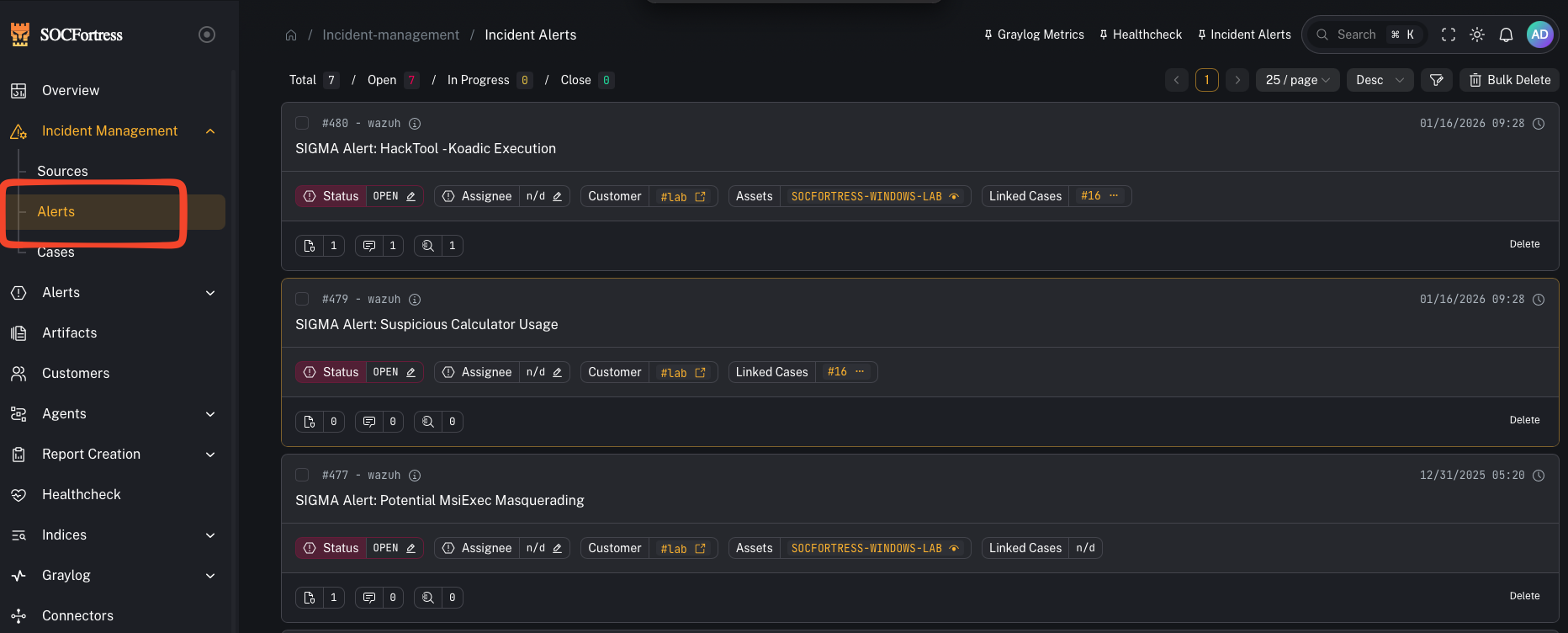
Where you spend most of your time
- Incidents → Alerts: triage, investigate, and decide next actions.
- Incidents → Cases: manage the lifecycle of incidents.
Core workflows
1) Triage an alert
- Open alert details
- Review assets/context
- Add tags (use your tagging taxonomy)
- Add comments and assign if needed
2) Create and link a case
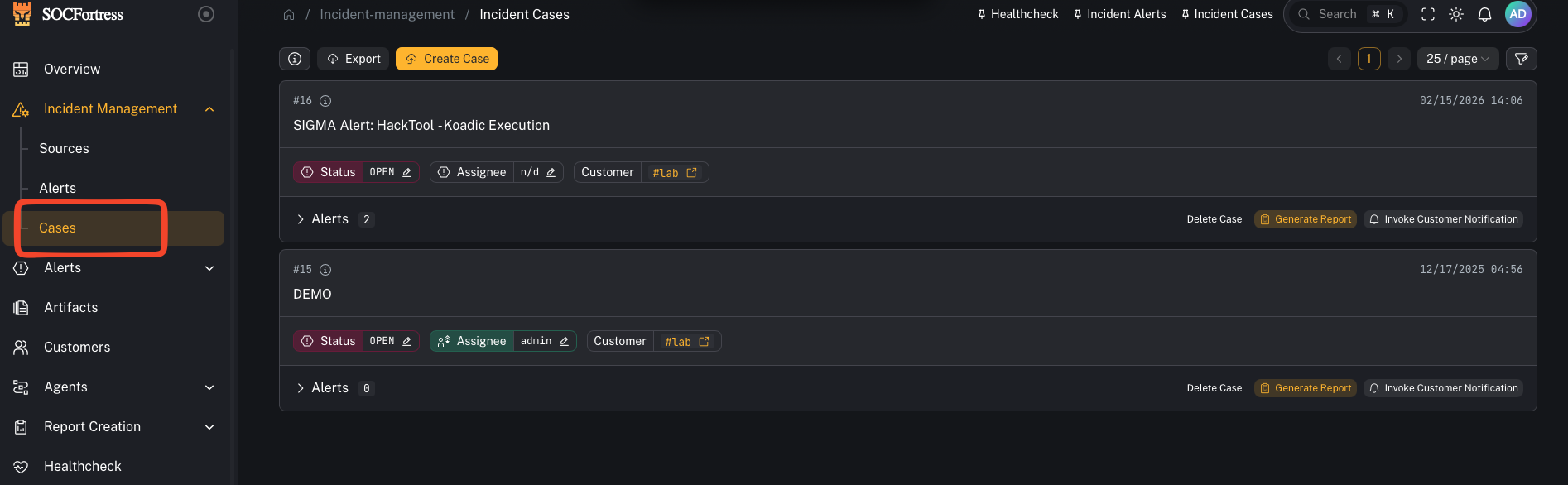
- Create a case from the alert when it needs tracking
- Link related alerts to the same case
3) Attach evidence (artifacts)
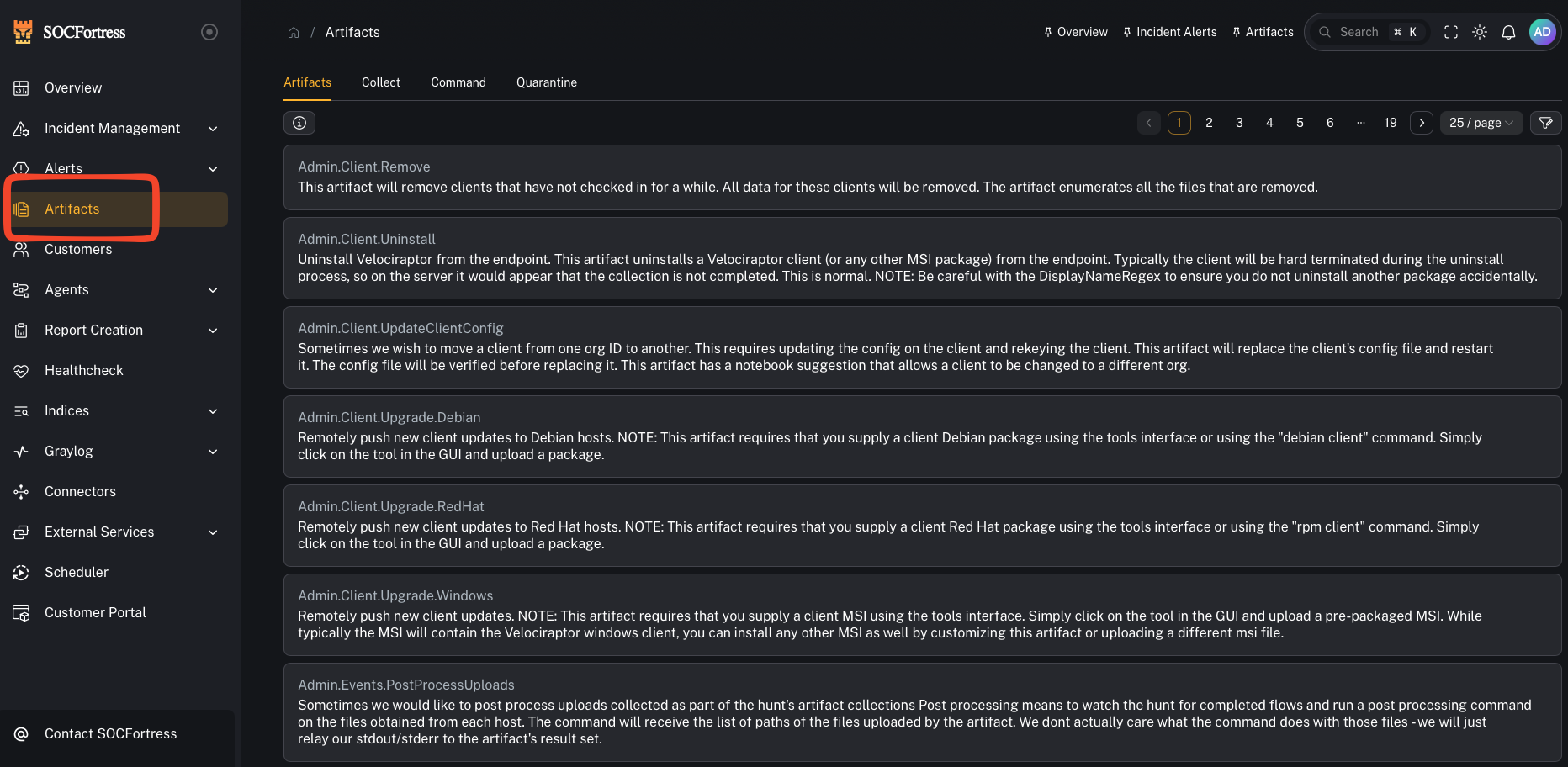
- Upload case artifacts (files, exports)
- Use report templates when generating customer-ready PDFs
4) Use SIEM search context
- When an alert references
index_name+index_id, use the SIEM view to pivot into surrounding events
If you can’t see alerts you expect
- Your org may have tag-based access control enabled (alerts require an allowed tag).
- See: Developer / AI Agent Docs → Database Schema → Tag access control and alert visibility for the underlying model.