
SIEM
Menu: Investigate → SIEM Alerts Best for: Both This page shows a high-level view of SIEM alerts based on what Graylog indicates (using the filters on the page). Important:- These are different from Incident Management alerts.
- SIEM alerts shown here are not created/managed in CoPilot’s Incident Management queue.
- a quick overview of alert volume and themes
- validating that Graylog alerting is working
- validating that alerts configured in Graylog are flowing into Incident Management when expected
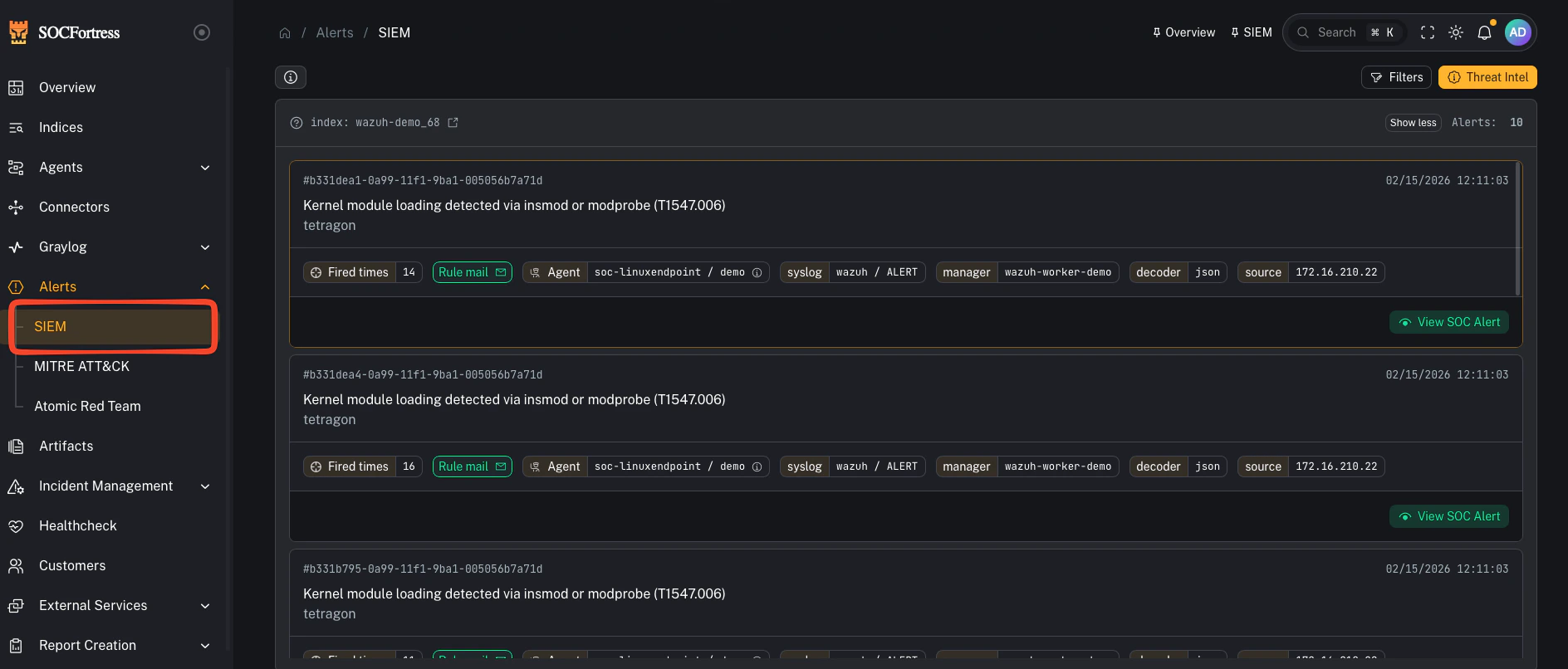
How to use it (practical)
- Apply your filters (customer/time window/stream/etc.)
- Confirm Graylog is producing the alerts you expect
- Pick an alert and pivot to underlying SIEM events (when available)
- Cross-check whether a corresponding Incident Management alert exists (if your routing/provisioning is configured to create one)
Gotchas
- If you see SIEM alerts here but not in Incident Management, it usually indicates an ingestion/routing gap (Graylog event definition/stream → CoPilot incident ingestion).
- If you only need the analyst queue, go to: Incident alerts