
Snapshot & restore (cold storage)
Menu: Platform → Log Management → Snapshot & Restore Best for: Admin / Engineer Snapshots let you offload older indexes into cold storage (snapshot repositories) so you can make room for new events while still keeping the ability to restore history later.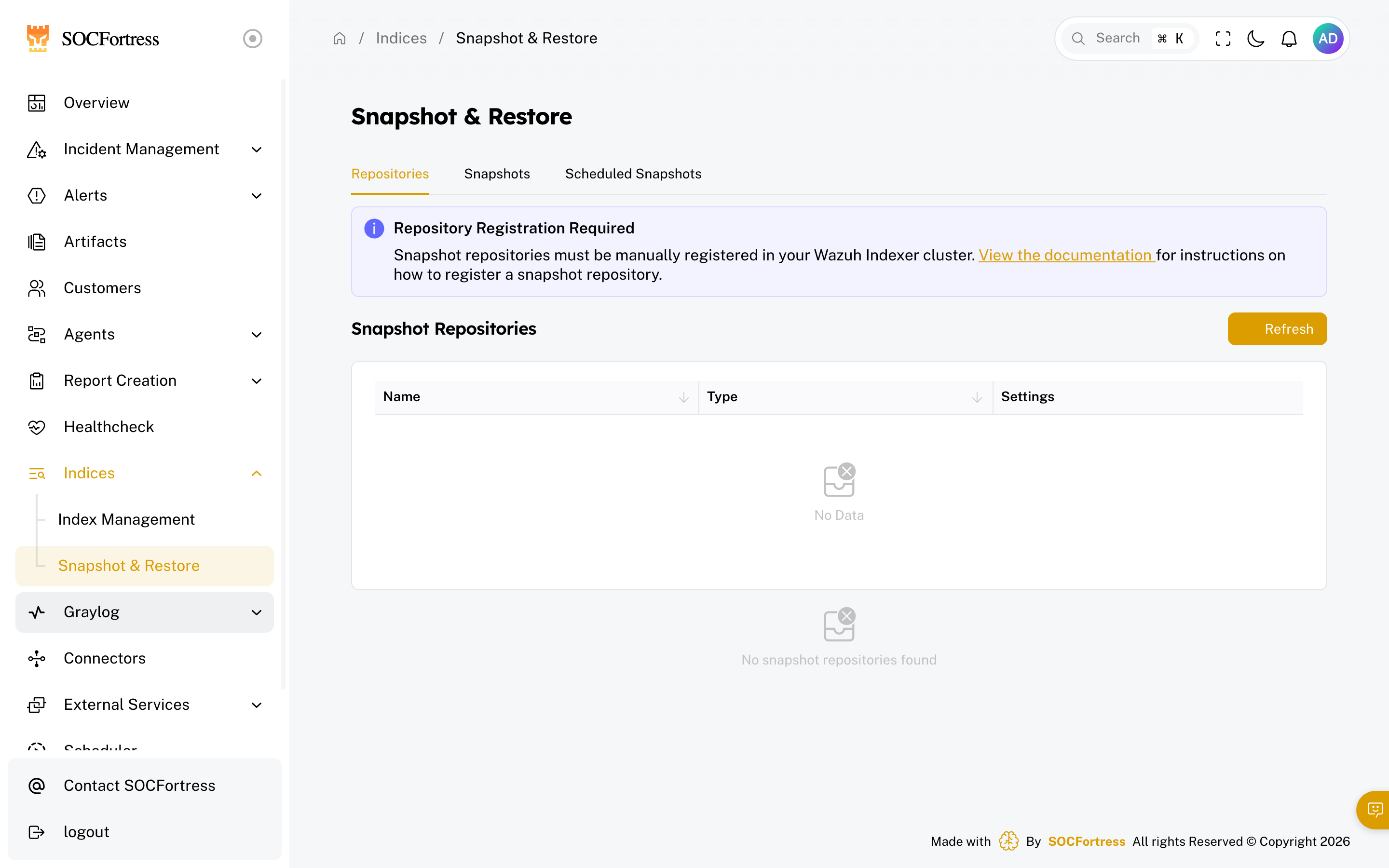
When to use snapshots
Use snapshots when you need to:- reduce disk usage on the indexer
- keep long-term historical logs without keeping them “hot”
- preserve data before major maintenance/changes
Repository registration is required
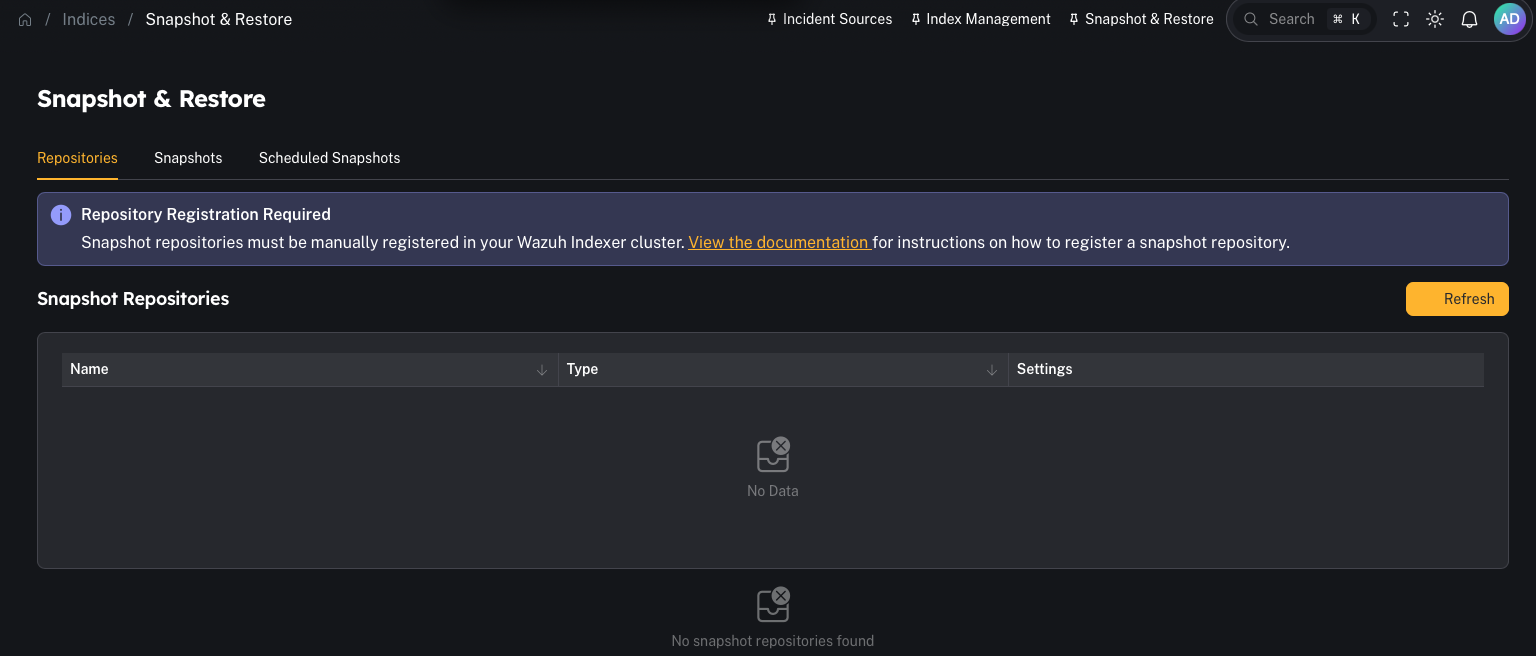
CoPilot can manage snapshots, but the snapshot repository must exist and be registered in the Wazuh Indexer cluster first. In the UI you’ll see this warning if none exist:“Snapshot repositories must be manually registered in your Wazuh Indexer cluster …”
Step 1 — Verify repositories
- Open Platform → Log Management → Snapshot & Restore
- Click Repositories
- Confirm at least one repository exists and is healthy
Step 2 — Create a snapshot
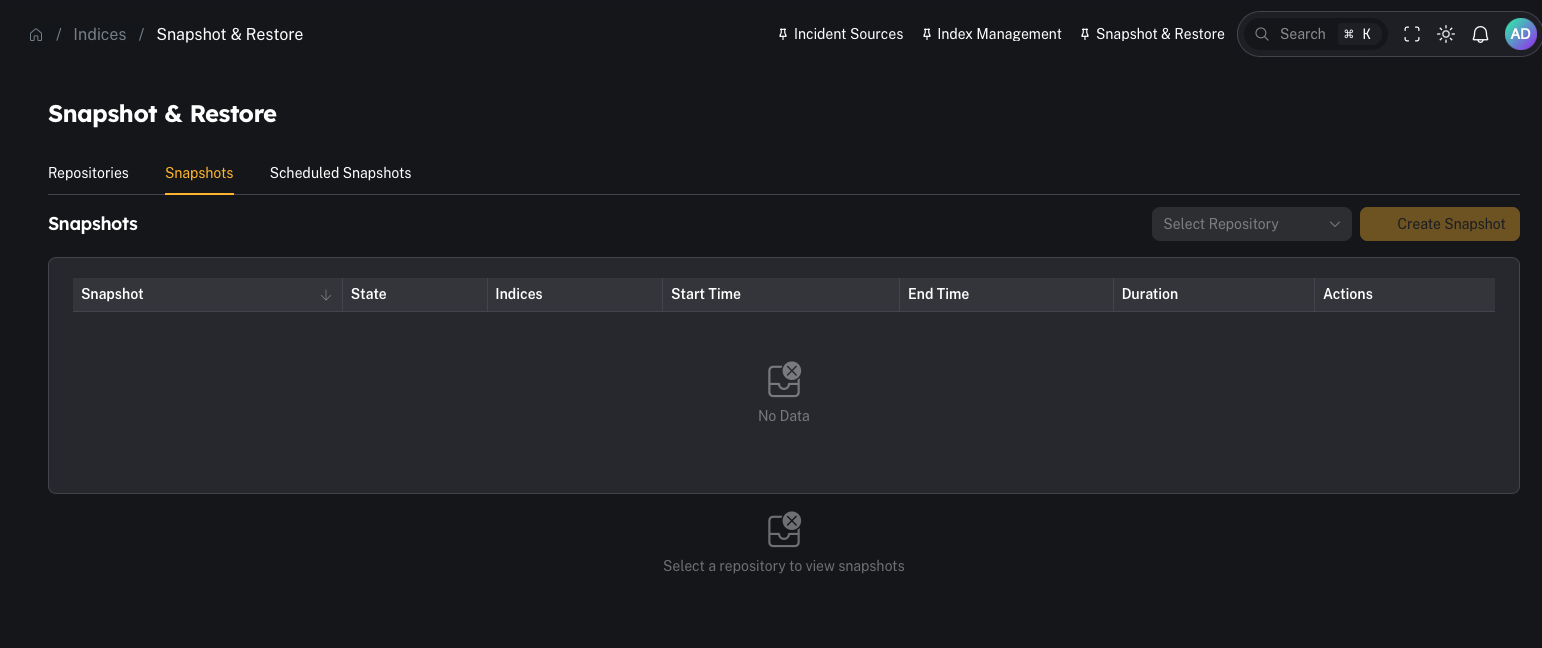
- Go to Snapshots
- Choose the repository
- Select the index/index pattern(s) to snapshot
- Run the snapshot
Step 3 — Restore a snapshot (when you need old data)
- investigate an incident with older timelines
- run retro-hunts
- rebuild context for cases
Step 4 — Schedule snapshots (automation)
Schedule window (time-of-day + day interval)
By default a snapshot schedule is evaluated every 15 minutes — and if there are new indices to snapshot, it fires immediately. That can mean snapshot operations hit the Wazuh Indexer during business hours, when the cluster is busiest. Each schedule has four optional fields that pin execution to a maintenance window:
When the current time is outside the window, the schedule’s Last Execution column shows a
DEFERRED tag and no Wazuh Indexer API calls are made — there’s effectively zero cluster load on deferred polls. The next poll inside the window picks up where it left off, and the existing “no new indices = SKIPPED” deduplication still applies.
Example — daily at 02:00 UTC
Result: between 02:00 and 02:14 UTC each day, the schedule fires (assuming new indices exist). All other polls are deferred.
Example — weekly on Sunday at 01:00 US Central
America/Chicago correctly handles US Central time year-round — CST in winter (UTC-6) and CDT in summer (UTC-5).
Result: only fires on Sundays between 01:00 and 01:14 Central. All other days/times defer.
Example — every other Sunday at 01:00 US Central
The
Interval (Days) = 14 blocks runs for 13 days after the last successful execution, so the next eligible Sunday after a fired run lands exactly two weeks later.
Backward compatibility
Schedules created before this feature was introduced — and any new schedule where Scheduled Hour is left empty — keep their original behavior: they run on every 15-minute poll and rely solely on the “new indices needed” check.Common gotchas
“No snapshot repositories found”
A repository must be registered in the Wazuh Indexer cluster before snapshots can run.“Snapshots succeed but disk is still full”
Snapshots don’t automatically delete hot indexes. You still need a retention plan:- delete old indexes (with intent)
- reduce ingestion volume
- tune retention windows