
Graylog management (alerting)
Menu: Platform → Log Management → Graylog Management This page is for Admin / Engineer workflows. CoPilot uses Graylog as the detection and alerting engine. If Graylog isn’t creating event alerts, CoPilot won’t have anything to ingest into Incidents → Alerts.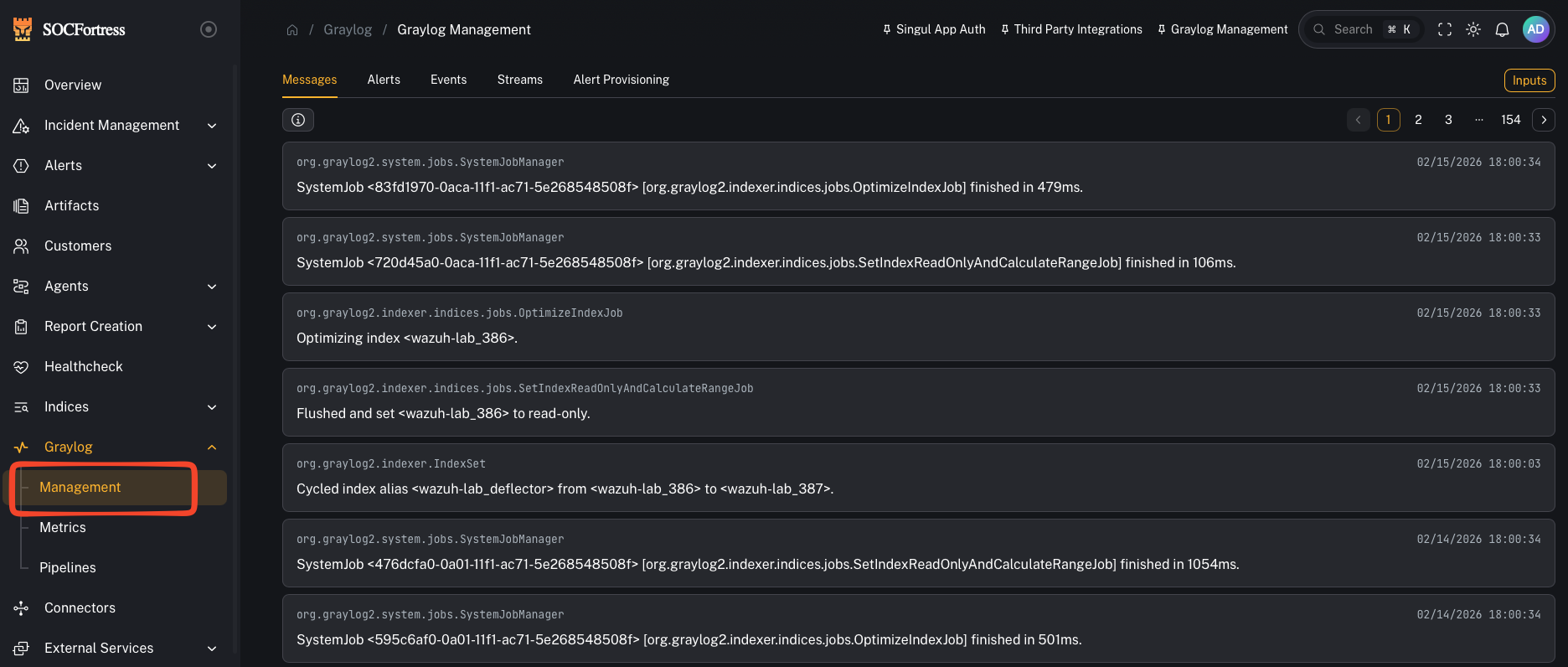
How CoPilot alerting works (Graylog → gl-events* → CoPilot)
- Your log metadata is ingested (Wazuh, O365, firewall, third-party, etc.)
- Graylog evaluates Event Definitions (your detection logic)
- When a condition matches, Graylog creates an Event/Alert and writes it to an index (commonly
gl-events*) - CoPilot reads those event alerts and creates/updates alerts in Incident Management
Alert Provisioning (pre-built detections)
SOCFortress ships a set of pre-built alert provisioning items to help you get alerts flowing quickly.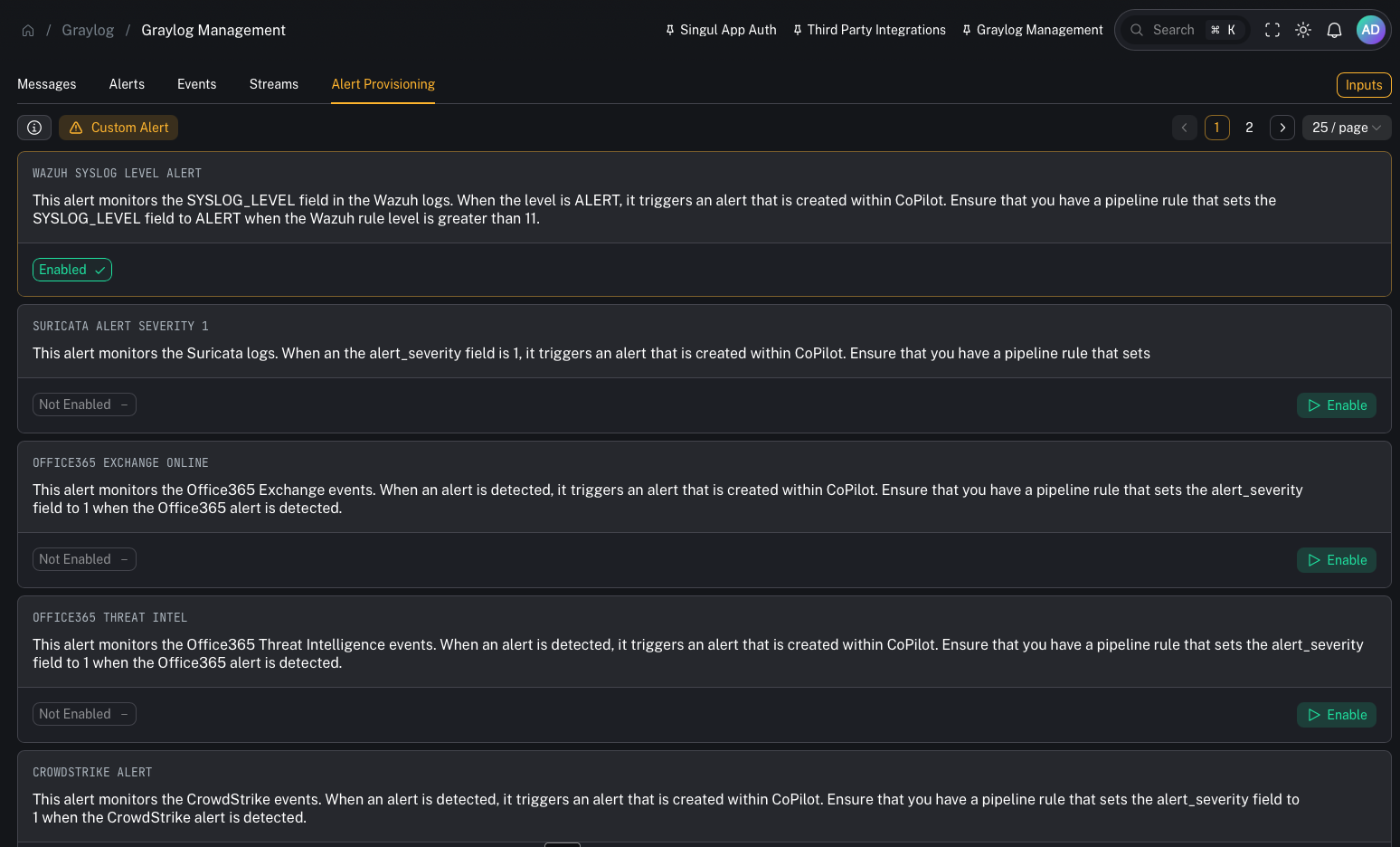
- WAZUH SYSLOG LEVEL ALERT — triggers when
SYSLOG_LEVEL = ALERT(usually set via pipeline when Wazuh rule level is > 11) - OFFICE365 EXCHANGE ONLINE — example O365 alert source
- OFFICE365 THREAT INTEL — O365 threat intel alerts
- CROWDSTRIKE ALERT — CrowdStrike alerts
- FORTINET SYSTEM / FORTINET UTM — FortiGate alerts
- PALOALTO ALERT — Palo Alto alerts
These pre-built items assume you have pipeline rules that normalize key fields (for example: setting an alert_severity or equivalent “this is an alert” marker).
Event Definitions (your detection logic)
Event Definitions are where you define:- the query/conditions
- aggregation/time window
- when an event should fire
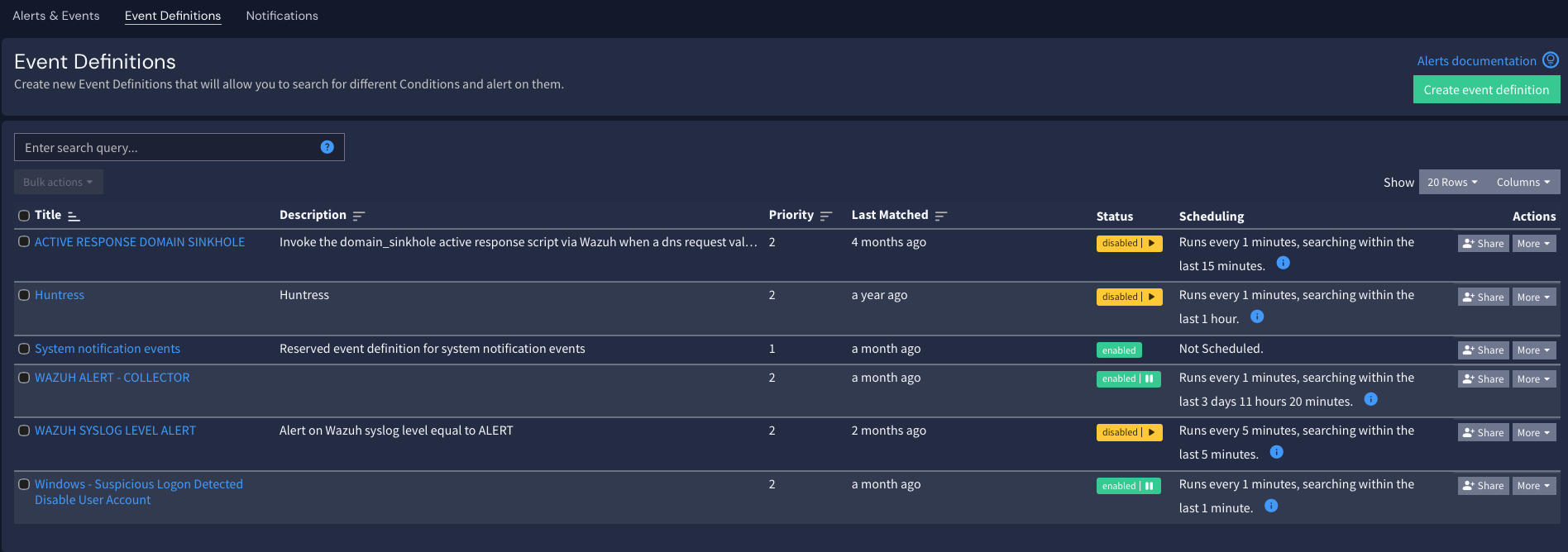
- Better event definitions → higher signal alerts → less noise in CoPilot.
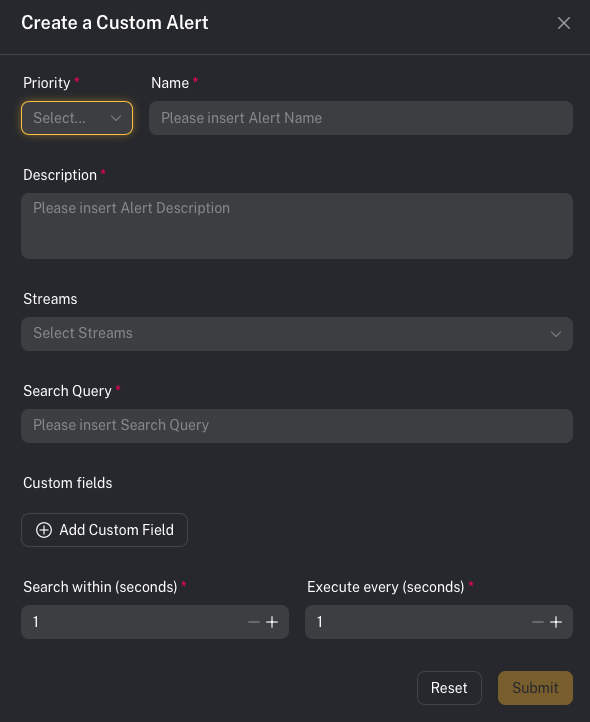
Custom alerts (build your own)
You are not limited to SOCFortress pre-built detections. If you can ingest metadata into Graylog, you can create an alert off it. Practical examples:- Alert on risky admin actions in Office 365
- Alert on firewall activity to known phishing URLs
- Alert on anomalous authentication patterns
Related configuration (ties into Incident Sources)
After Graylog is firing events, you still need CoPilot to map those events into an operator-friendly alert. Next step:- Configure Incident Sources (field mappings for title/asset/time/context):
Common gotchas
“I configured a Graylog alert, but CoPilot alerts are missing context”
That’s typically an Incident Sources mapping issue: CoPilot needs to know which fields to treat as title, asset name, and context.“My detection is firing, but CoPilot shows nothing”
Confirm:- the Event Definition actually creates events
- events are written to
gl-events* - CoPilot can read that index (permissions/connectivity)