> ## Documentation Index
> Fetch the complete documentation index at: https://docs.socfortress.co/llms.txt
> Use this file to discover all available pages before exploring further.
# SCA overview
> Review Wazuh Security Configuration Assessment (SCA) posture across endpoints.
# SCA overview
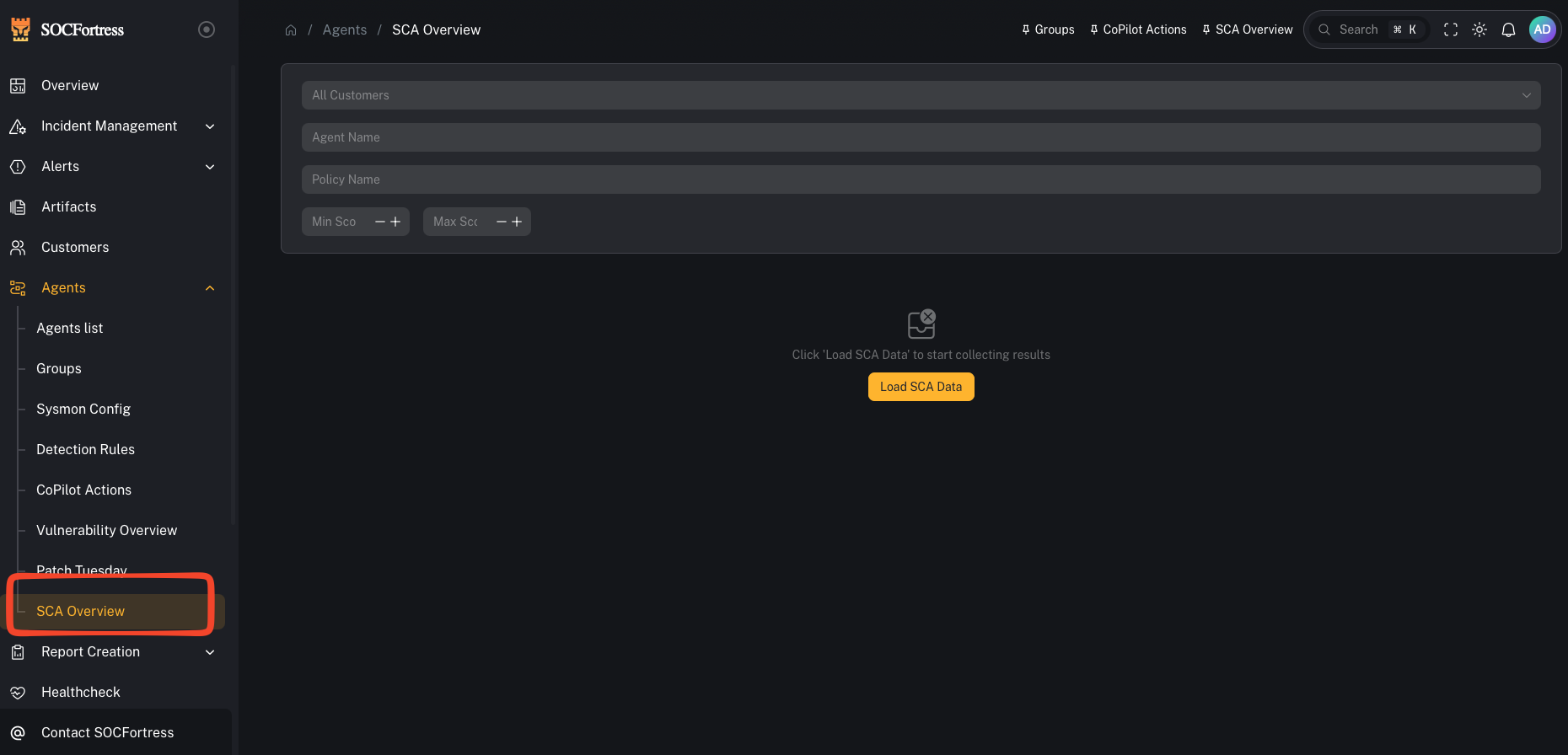
**Menu:** Agents → SCA Overview
SCA (Security Configuration Assessment) is Wazuh’s secure configuration/hardening framework. It evaluates endpoints against policies (benchmarks) and reports pass/fail results so you can:
* find configuration drift
* measure baseline hardening posture
* prioritize remediation of failed controls
 ***
## What you’re looking at
### Filters
***
## What you’re looking at
### Filters
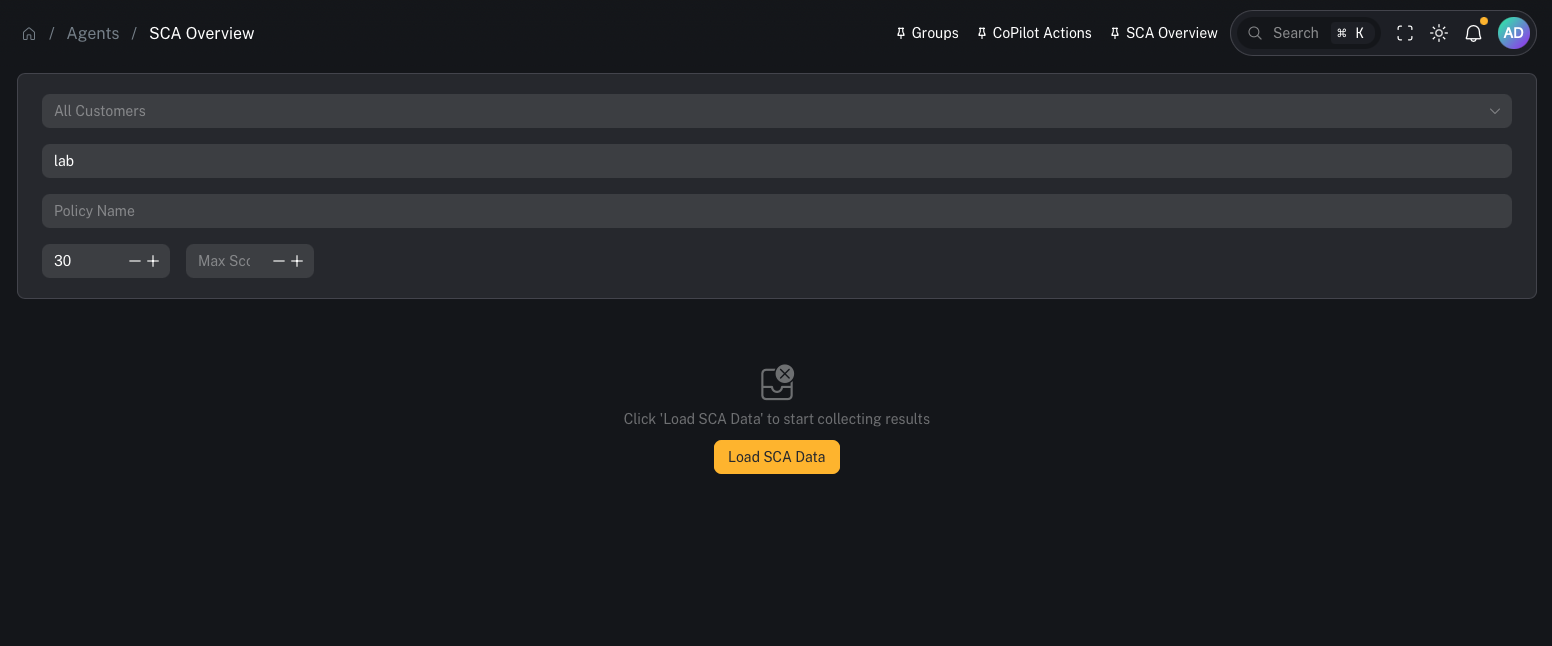 You can scope results by:
* **Customer** (multi-tenant)
* **Agent Name**
* **Policy Name**
* **Score range** (min/max)
### Load SCA Data
You can scope results by:
* **Customer** (multi-tenant)
* **Agent Name**
* **Policy Name**
* **Score range** (min/max)
### Load SCA Data
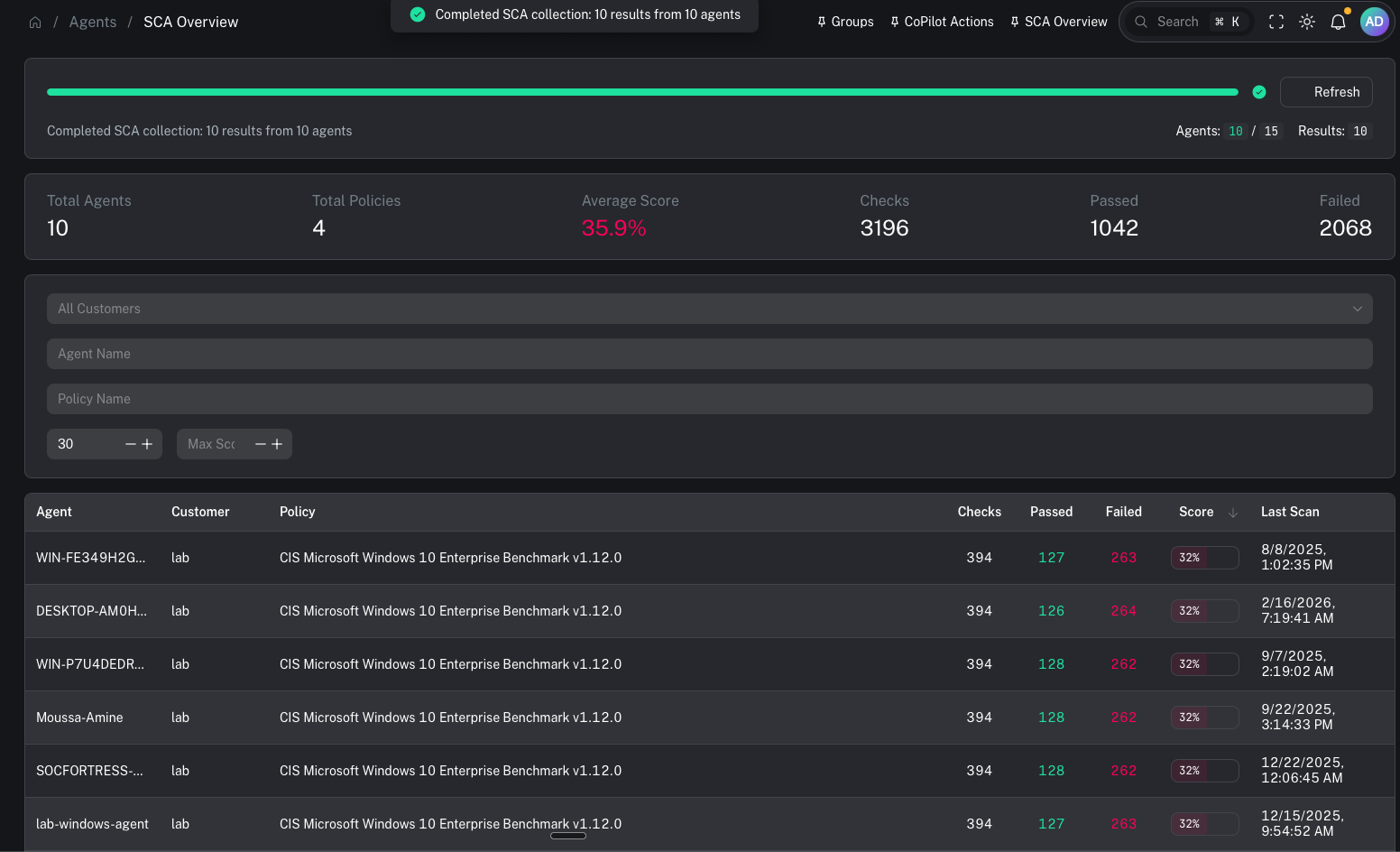 This page typically requires an initial fetch.
Use **Load SCA Data** to pull the latest SCA results into the view.
### Results view
This page typically requires an initial fetch.
Use **Load SCA Data** to pull the latest SCA results into the view.
### Results view
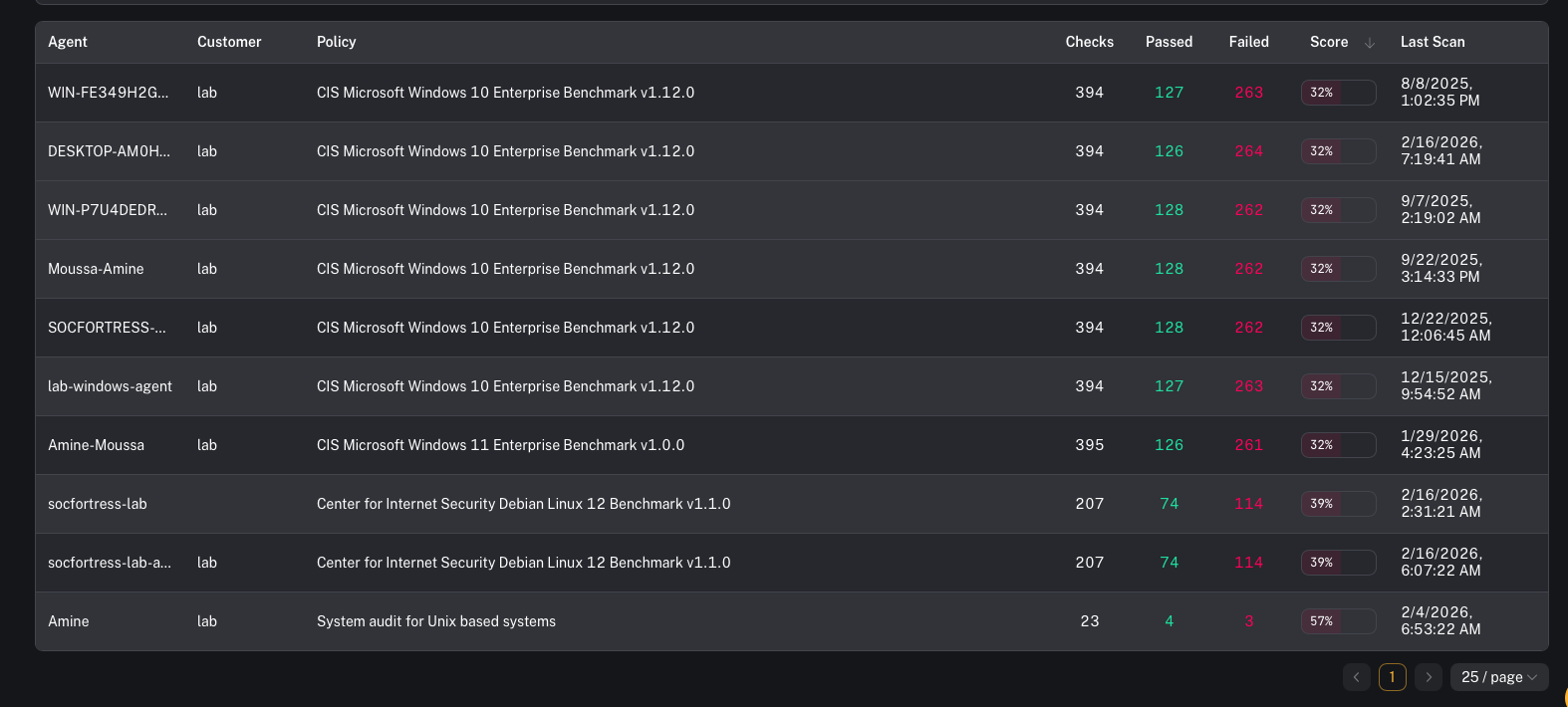 Once loaded, you’ll use this page to identify:
* which agents are failing baseline policies
* which policies are producing the lowest scores
* where remediation work will produce the biggest posture improvement
***
## When to use it
Use SCA overview when you need to:
* identify endpoints failing hardening baselines
* find drift after a change window (GPO, tooling rollout, new images)
* support audits/compliance reporting with repeatable evidence
***
## Common tasks
### Triage low scores first
A practical flow:
1. Filter by customer
2. Set a **Max Score** threshold (start low)
3. Identify the bottom-scoring endpoints/policies
4. Remediate the highest leverage failures (the ones that apply broadly)
### Investigate and remediate failed checks
Use the agent’s dedicated page to drill down:
* open an agent and review the **SCA** tab for policy/check details
Remediation usually happens outside CoPilot (GPO, configuration management, image updates), then you validate by re-running SCA and confirming the score improves.
### Export / reporting
If you need a deliverable:
* see: [SCA report](/user/ui/report-sca)
***
## Prerequisites
* Wazuh SCA is enabled on agents
* Policies are deployed to the endpoints/groups you care about
* Agents are checking in and SCA scans have run
***
## Gotchas
* SCA is only as good as your policies and rollout. Keep policies consistent per OS/group/customer.
* Score changes often lag behind configuration changes (depends on scan cadence + agent check-in).
* Don’t chase perfect scores blindly—prioritize controls that reduce real risk for your environment.
Once loaded, you’ll use this page to identify:
* which agents are failing baseline policies
* which policies are producing the lowest scores
* where remediation work will produce the biggest posture improvement
***
## When to use it
Use SCA overview when you need to:
* identify endpoints failing hardening baselines
* find drift after a change window (GPO, tooling rollout, new images)
* support audits/compliance reporting with repeatable evidence
***
## Common tasks
### Triage low scores first
A practical flow:
1. Filter by customer
2. Set a **Max Score** threshold (start low)
3. Identify the bottom-scoring endpoints/policies
4. Remediate the highest leverage failures (the ones that apply broadly)
### Investigate and remediate failed checks
Use the agent’s dedicated page to drill down:
* open an agent and review the **SCA** tab for policy/check details
Remediation usually happens outside CoPilot (GPO, configuration management, image updates), then you validate by re-running SCA and confirming the score improves.
### Export / reporting
If you need a deliverable:
* see: [SCA report](/user/ui/report-sca)
***
## Prerequisites
* Wazuh SCA is enabled on agents
* Policies are deployed to the endpoints/groups you care about
* Agents are checking in and SCA scans have run
***
## Gotchas
* SCA is only as good as your policies and rollout. Keep policies consistent per OS/group/customer.
* Score changes often lag behind configuration changes (depends on scan cadence + agent check-in).
* Don’t chase perfect scores blindly—prioritize controls that reduce real risk for your environment.